AutoPPT is positioned as an AI PowerPoint maker that can generate decks from prompts and source materials, with features like template replacement, AI summarization, document imports, and online editing. That makes it attractive for quick first drafts. But many users still want stronger slide structure, better branding controls, or a workflow that feels more polished for real presentations.
Here are the best AutoPPT alternatives to consider in 2026.
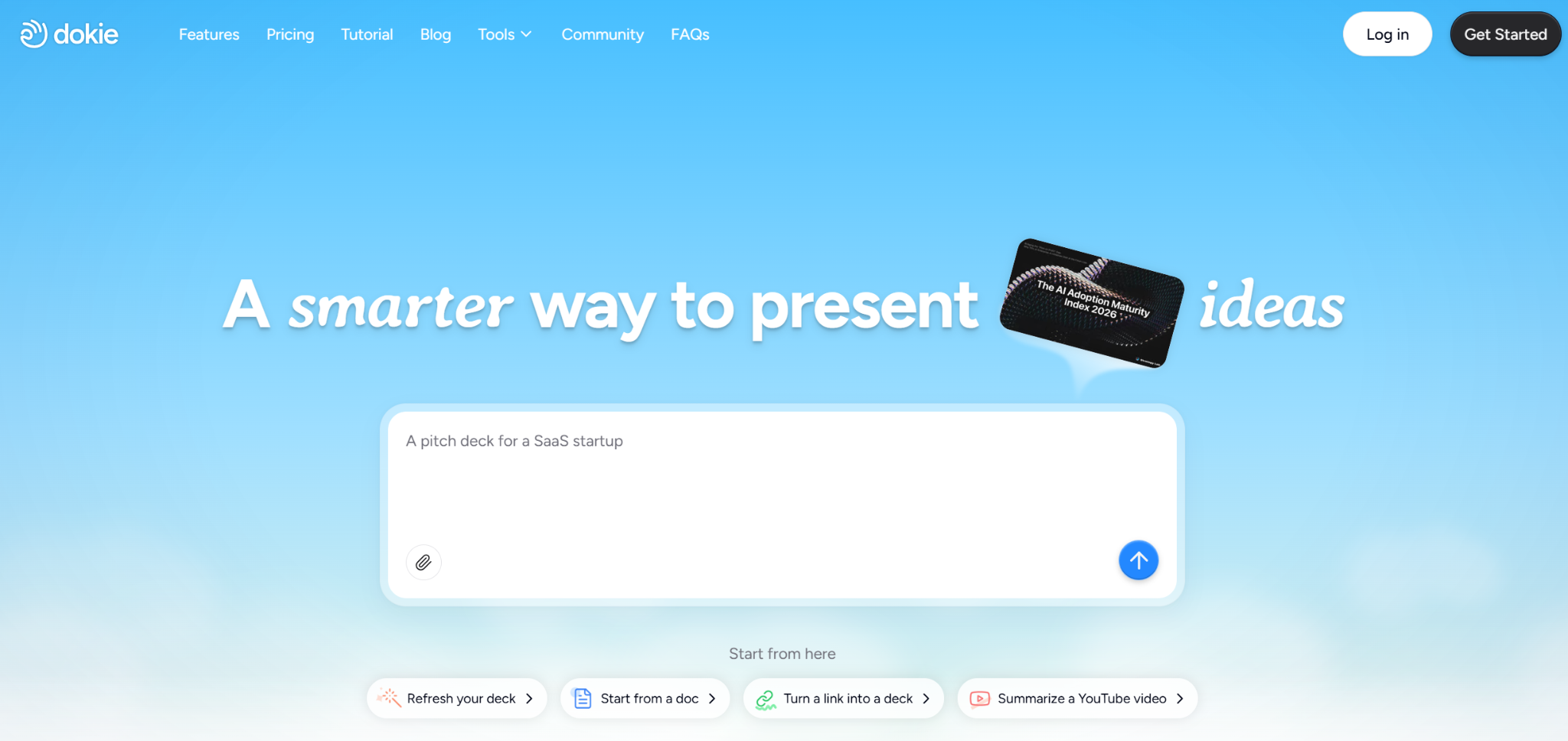
Dokie AI is the strongest AutoPPT alternative for users who care about presentation-ready business decks, not just fast generation. Dokie positions itself as an AI presentation maker focused on professional, brand-aligned slides with clean layouts, which makes it a better fit for reports, strategy decks, client presentations, and other work presentations where structure matters.
Why choose Dokie AI over AutoPPT?
AutoPPT is good for quick generation, but Dokie AI is a better choice if you want slides that already feel closer to usable before heavy editing starts.
Best for: business users, consultants, marketers, and teams making practical PPT-style decks.
Gamma is one of the most popular AutoPPT alternatives if you want more than a standard slide generator. It supports presentations, documents, websites, social content, and API-based creation, and it can export to PPT and PDF. Compared with AutoPPT, Gamma is better for users who want a more flexible, web-based storytelling format rather than a traditional deck-first workflow.
Why choose Gamma over AutoPPT?
Choose Gamma if you want a more modern, visually dynamic format and broader use cases beyond PowerPoint-style slides.
Best for: founders, creators, marketers, and teams that share presentations as links as often as they present them live.
Plus AI is a strong alternative for people who want AI directly inside PowerPoint and Google Slides. Its core pitch is native integration, and its official materials highlight features like slide generation, editing, rewriting, remixing layouts, and theme creation inside existing presentation tools. If you do not want a separate app workflow, Plus AI has a clear advantage over AutoPPT.
Why choose Plus AI over AutoPPT?
Choose Plus AI if staying inside Google Slides or PowerPoint matters more than using a standalone AI presentation app.
Best for: teams already living in Microsoft Office or Google Workspace.
Presentations.AI is a strong AutoPPT alternative for users who need more design and branding support. Its official site emphasizes personalized design, brand sync, PowerPoint compatibility, and AI support for more structured business formats like reports, timelines, roadmaps, charts, and infographics.
Why choose Presentations.AI over AutoPPT?
It is a better pick if you want stronger visual polish and brand alignment built into the workflow.
Best for: sales teams, product teams, and businesses that need branded decks regularly.
MagicSlides is a practical choice if your main goal is fast generation from many kinds of inputs. Its official product pages say it can turn prompts, topics, PDFs, URLs, YouTube videos, and other content sources into presentations, and it also has a Google Slides add-on. That makes it one of the more flexible AutoPPT alternatives for quick content conversion.
Why choose MagicSlides over AutoPPT?
Choose it if you want broad input options and a very fast first-draft workflow, especially inside Google Slides.
Best for: students, internal presentations, and users who work from source materials more than blank prompts.
SlidesGPT is a good AutoPPT alternative for users who want a straightforward prompt-to-presentation tool. Its official site focuses on turning ideas and PDFs into PowerPoint presentations in seconds. That makes it a useful option if you value simplicity and speed more than advanced branding or heavy design customization.
Why choose SlidesGPT over AutoPPT?
It is a solid option for fast drafts when you want a lightweight workflow and a clear PowerPoint focus.
Best for: solo users, students, and simple presentation drafting.
Canva is a strong alternative if your workflow sits between presentation creation and broader visual content production. Canva’s AI presentation maker, Magic Design for Presentations, generates slide drafts from prompts and supports branding, while Canva’s newly announced AI 2.0 expansion pushes it further toward a larger AI-powered design suite. Compared with AutoPPT, Canva is usually the better pick when design flexibility matters as much as slide generation.
Why choose Canva over AutoPPT?
Choose Canva if you want presentations plus a wider creative workflow for brand assets, documents, and marketing content.
Best for: marketers, social teams, startups, and users who already rely on Canva for design.
For some teams, the real AutoPPT alternative may not be another presentation startup at all. Microsoft has been expanding AI features in Office apps, including PowerPoint, through Copilot-related capabilities. If your team already works heavily inside Microsoft 365, native Office AI may become the simplest option to test before adding another tool.
Why choose native Office AI over AutoPPT?
It may reduce tool sprawl for companies that already run their entire workflow inside Microsoft’s ecosystem.
Best for: companies standardized on Microsoft 365.
The right choice depends on what you need most. If you want business-ready decks, Dokie AI is the best fit. If you want visual, web-style storytelling, Gamma stands out. If you want AI inside PowerPoint or Google Slides, Plus AI is the most direct choice. If branding matters most, Presentations.AI is strong. If you care about design flexibility across more than slides, Canva is worth serious consideration.
AutoPPT is a useful AI PPT generator, especially for quick drafting from prompts and uploaded materials. But if your goal is cleaner output, stronger structure, or a workflow better matched to your team, one of these alternatives may fit better. For most business users, Dokie AI is the strongest overall AutoPPT alternative because it focuses on slides that feel closer to real presentation use, not just fast generation.
Dokie AI is one of the best AutoPPT alternatives for business presentations because it focuses on professional, brand-aligned slides and practical deck structure.
Plus AI and MagicSlides are both strong options for Google Slides users because both offer Google Slides-focused workflows or integrations.
Gamma and Canva are both strong choices if design flexibility and presentation style matter more than standard PPT output alone.
AutoPPT has pricing tiers and promotes both paid plans and broader feature access on its pricing pages, so it is not just a fully unlimited free tool.
SlidesGPT and MagicSlides are both good options if your main goal is turning prompts or source content into a first draft quickly.