Spend hours polishing your résumé, hit submit, and … silence. Ninety-nine percent of Fortune 500 companies run applications through an applicant tracking system (ATS), according to a Kickresume analysis, so bots—not people—often make the first cut. A fast resume keyword scan lets you see the same gaps the software sees: drop your file in, compare it with the job ad, and patch missing skills in seconds.
We tested more than 20 tools for accuracy, ease, price, and practical guidance, then crowned the eight clear winners below. Scan the comparison table first, then dive into each mini-review to pick your perfect match.
Ready to beat the bots? Let’s show you how we chose them.
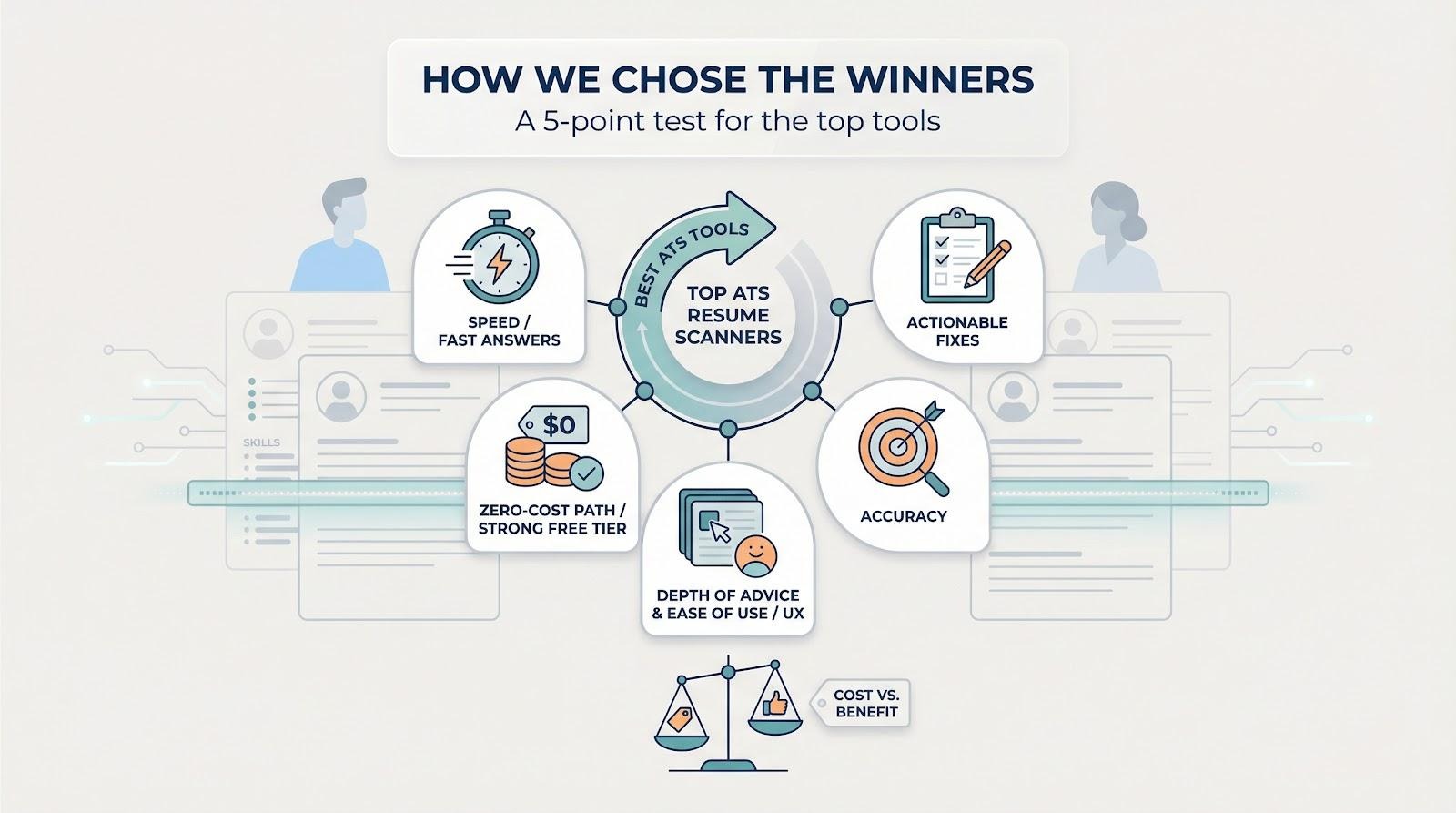
We began with a five-point test built around what job seekers tell us they value most: fast answers, actionable fixes, and a zero-cost path until the offer arrives. A tool had to clear that bar before price even entered the conversation.
Accuracy came next. A résumé checker that misses half the keywords doesn’t help anyone, so we dug into third-party tests, user reviews, and our own scans to confirm each platform spots the right skills and flags format glitches that trip ATS bots.
Depth of advice mattered just as much as raw detection. Surface-level “72 percent” scores feel hollow if they don’t explain the next step. We favored scanners that turn data into step-by-step edits you can finish in minutes, not hours.
Ease of use tipped the scale whenever two tools looked similar. Clunky dashboards or forced sign-ups slow an application sprint. Clean interfaces and instant results kept certain scanners on the list while less-polished rivals fell away.
Finally, we weighed cost against benefit. Job searches often run on tight budgets, so generous free tiers and affordable month-to-month plans scored high. Premium price tags earned a pass only when the features clearly outpaced cheaper options.
The outcome: a balanced lineup—two all-in-one builders with real-time optimization, two AI writing coaches, one deep-dive analytics powerhouse, and three lightning-quick keyword scanners that never ask for a credit card. Together they fit every job-hunt style, from rapid submitters to meticulous tailors.
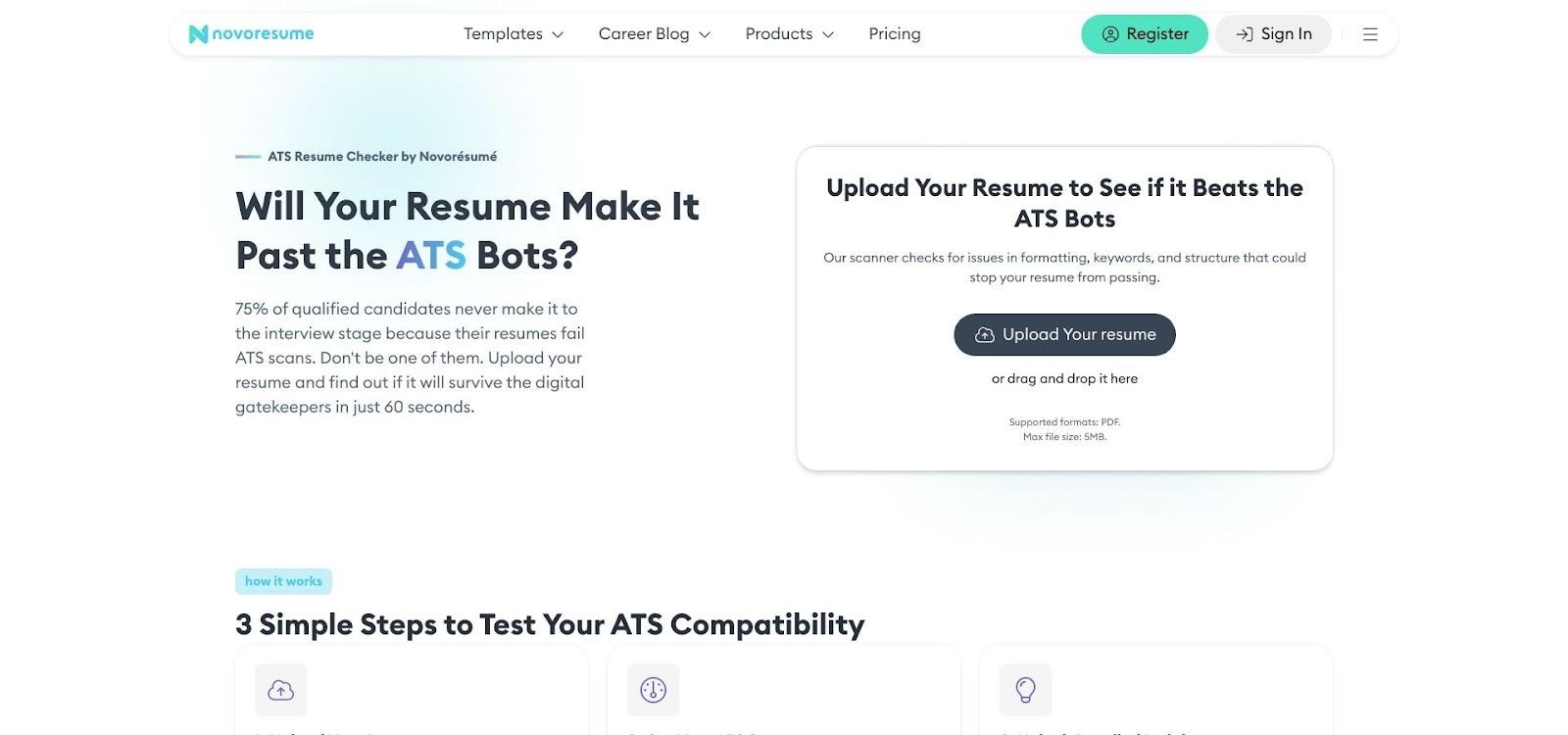
Take Novorésumé as a benchmark: its forever-free tier lets you run unlimited keyword and formatting scans directly inside the drag-and-drop builder.
The company’s own usage stats—16 million+ job seekers and an advertised five-minute build time—mirrored our tests; we cleared every flag in roughly that window because the sidebar updates feedback live as you type.
That kind of no-strings offer proved our point—robust ATS feedback doesn’t have to break the budget.
Before we dive into each scanner, let’s line them up side by side. A quick look at the grid shows which options cost nothing up front, who checks formatting as well as keywords, and where AI writing help steps in.
Symbol key:
Use the table as a shortcut, then explore the mini-reviews that follow. You’ll see exactly where to begin and when it makes sense to pay for extras.
Novorésumé feels more like a co-pilot than a checker.
Start with a quick keyword scan for your resume; the free ATS test returns a compatibility score in under 60 seconds.
Then open the builder, paste your résumé, and a live sidebar flags every issue in real time. Missing keywords glow yellow. Format missteps turn red. Fix them, click refresh, and the warnings vanish.
Novorésumé ATS resume checker and live builder interface screenshot
Because the scanner lives inside the builder, you never switch tabs. That tight loop speeds revisions and keeps momentum high when motivation dips after the tenth tweak.
The guidance goes beyond buzzwords. Novorésumé prompts a results-focused headline, warns if you spill onto a third page, and nudges you toward fonts an ATS can read. You get specific fixes, not vague scores, so every change feels purposeful.
All core checks stay free. Premium unlocks extra templates and multi-page exports, but unlimited scans and format advice cost nothing.
Who wins here? Anyone writing or rewriting from scratch. If you want one workspace that polishes content and layout without surprise fees, Novorésumé delivers.
Many résumé scanners fixate on raw keywords and forget the human who reads your story. Used by more than 15 million job seekers, Enhancv flips that script with ATS-tested templates and an AI-powered builder that sharpens style as you edit. It starts with an ATS check, then refines tone, layout, and the subtle cues that pull hiring managers closer.
Upload a PDF and you get a dashboard that grades five areas: content, format, sections, skills, and style. Sixteen individual tests sit underneath, covering file type, heading names, word repetition, and cliché buzzwords. Red flags mean “fix this now,” while green lights confirm your basics are solid.
Context is the standout feature. If a bullet runs long, Enhancv shows a concise rewrite so you can compare. An empty Skills section? It offers examples tailored to your field. That visual coaching removes guesswork and makes each edit intentional.
The first scan is free. Deeper advice—grammar catches and advanced brevity tips—unlocks after you subscribe, yet the no-cost report still maps a clear path to ATS-safe, recruiter-friendly prose.
Pick Enhancv if you love modern templates but refuse to risk bright color blocks or icons confusing the bots. Creative flair meets precise technical compliance in one clean dashboard.
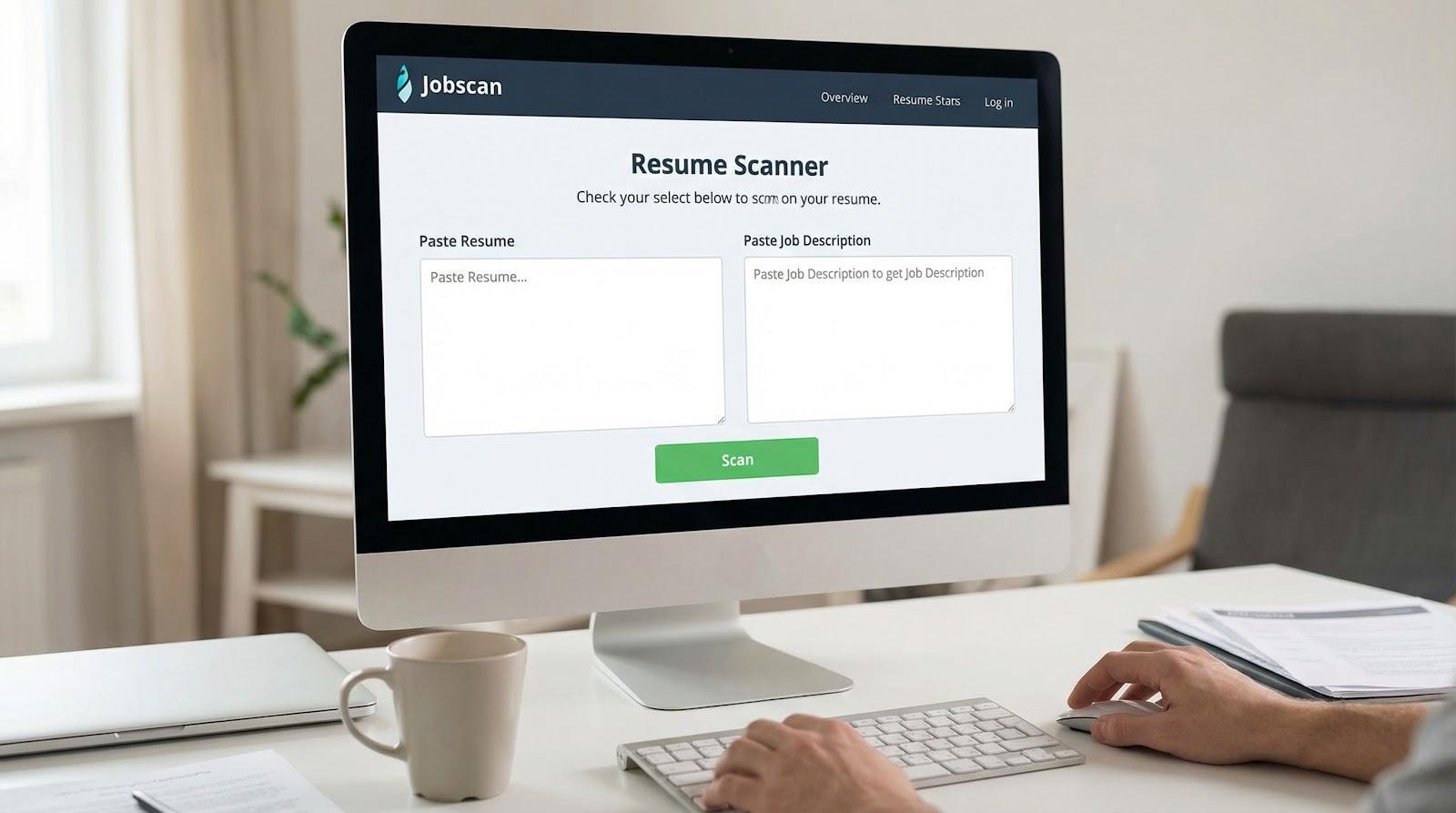
If you want hard numbers, Jobscan delivers. Upload your résumé, paste the job post, and get a multi-page report that compares hard skills, soft skills, title match, education, and buzzword frequency.
Jobscan deep-dive resume analytics report screenshot
A bold match-rate headline shows your overall fit. Color bars below reveal where you excel and where you fall short. If the posting mentions “SQL” twice and your résumé lists it once, Jobscan highlights the gap so you can prioritize edits instead of stuffing random keywords.
Power users appreciate granular toggles. You can simulate different ATS engines, benchmark against competing résumés, and even run side-by-side scans for A/B testing. The trade-off: only five free scans each month before the paywall appears. Many seekers buy a single month, batch their applications, then cancel once interviews start.
The interface feels dense, yet the insight is unmatched. Choose Jobscan when you want proof your résumé meets every requirement line by line—and you are ready to act on the metrics it provides.
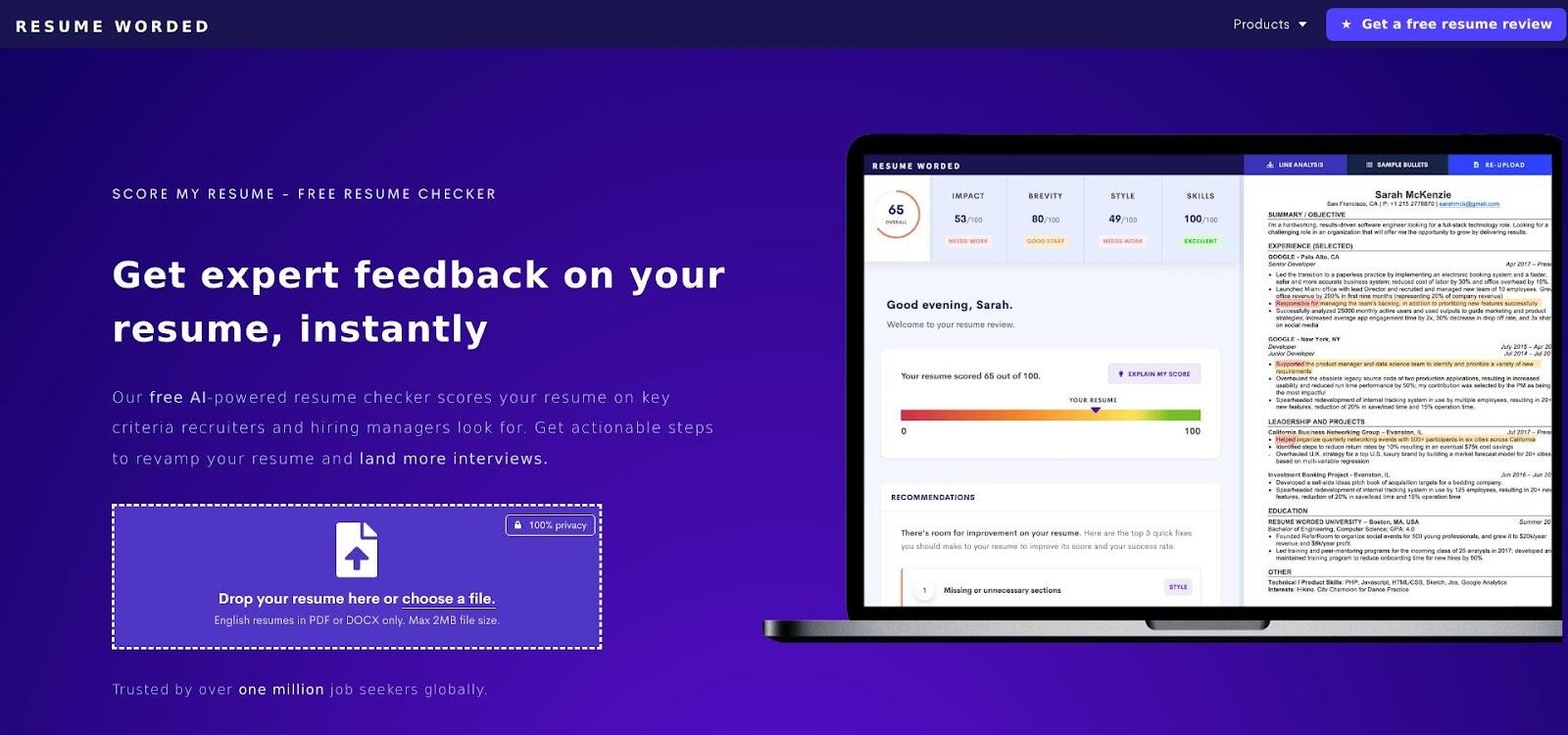
Resume Worded acts like an objective editor. Upload your résumé, click Score My Resume, and get a percentile rating plus line-by-line feedback on wording, impact, and structure.
Resume Worded Score My Resume feedback interface screenshot
The critique drills into verbs, numbers, and storytelling. Write “Responsible for managing projects” and it suggests “Led five cross-functional projects to completion,” saving you the guesswork.
An ATS check runs in the background, flagging missing keywords and formatting quirks. The free plan shows a preview of the keyword list, but the writing tips alone justify at least one scan.
Need deeper keyword intel? A one-month upgrade costs $19. Many users subscribe, batch-edit every résumé version, then pause once they have the insights.
Choose Resume Worded when your résumé feels flat. It not only tells you what to fix; it hands you sharper sentences so each bullet lands with impact.
Some applicants tweak a résumé once and send it everywhere. Others tailor every application like custom clothing. If you lean toward the second camp, SkillSyncer is the tool for precise fit.
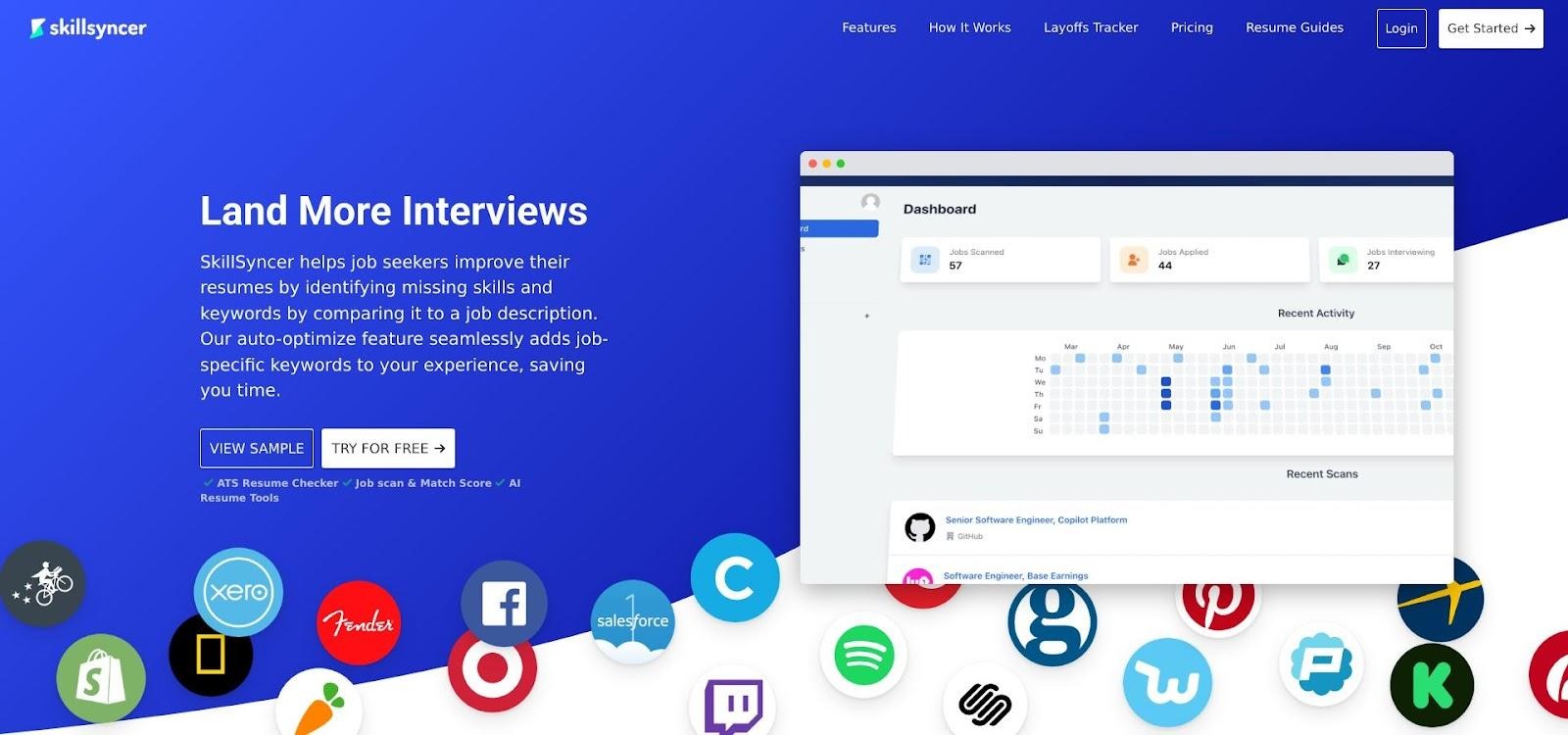
Paste the job description beside your résumé and the platform returns a Match Score while flagging every missing skill. A word cloud shows which terms dominate the posting and how often you use them, so gaps stand out immediately.
SkillSyncer resume-to-job match score and keyword cloud screenshot
Need speed? Premium users can click Auto-Optimize to drop absent keywords into a draft. You still refine the wording, but the heavy lifting is done.
The free tier includes five scans—usually enough to perfect a core résumé and a few variants. After that, unlimited scans cost $14.95 per month, a price most seekers consider reasonable.
Choose SkillSyncer when you want to mirror a job ad with surgical precision and prefer speed over deep writing advice.
Keyword gaps are easy to fix once you spot them. Formatting errors are harder because you rarely see them until a bot scrambles your résumé. Rezi covers that blind spot.
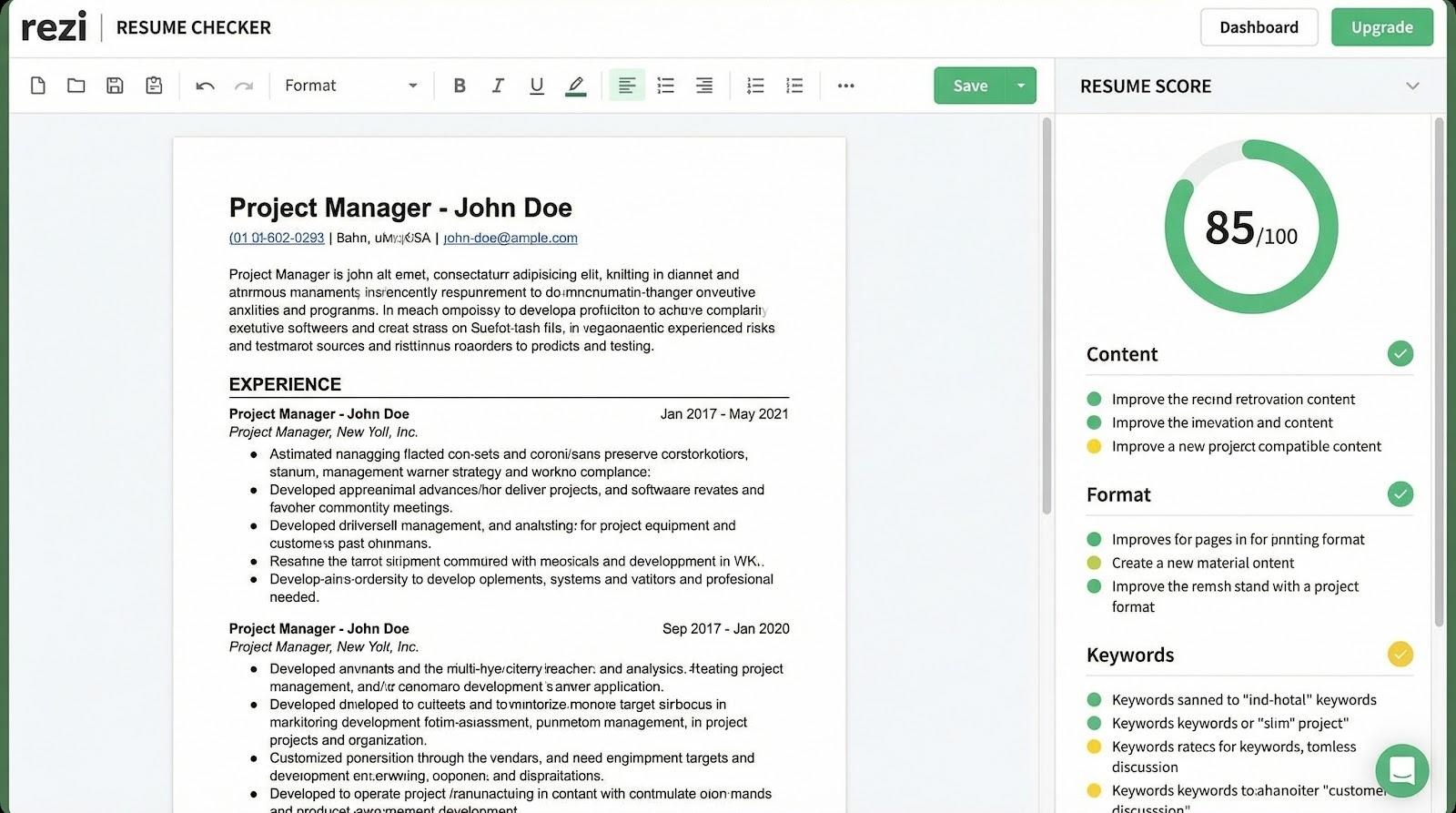
Rezi 23-point ATS resume formatting audit screenshot
Run the free 23-point audit and the tool checks file type, fonts, headings, tables, and even your contact block. If any element might break a parser, Rezi flags it red and explains how to fix it. You learn, for example, that two-column layouts often collapse while a simple left-aligned design sails through.
The same scan scores keyword alignment, yet Rezi’s real value is structural confidence. Pair that with the built-in AI writer—handy when you need a fresh bullet fast—and you have a full builder plus compliance check in one browser tab.
Most users stay on the forever-free audit. If you decide to rebuild from scratch, a month of Pro costs $29 and unlocks unlimited template downloads along with expanded AI suggestions.
Choose Rezi when stylish templates tempt you but you refuse to sacrifice machine readability. It turns design risk into design insurance.
Sometimes you need only the basics: which skills appear in the job ad and whether they appear in your résumé. ResyMatch delivers that answer in about ten seconds with no account, paywall, or email capture.
Paste your résumé on the left, drop the job description on the right, and click Scan. The tool assigns a match score and shows a checklist of every keyword the posting values. Green checks mark hits, gray dashes flag gaps. Simple, transparent, and effective.
Because ResyMatch stores nothing and requests nothing, it is ideal when privacy tops your list. More than 1.5 million résumés have run through the tool, proof that free can still be powerful.
Pair it with a design-focused builder or a deeper writing coach. Run ResyMatch first to nail the hard data, then adjust tone elsewhere. The insight arrives fast and crystal clear, and the cost will always be zero.
Traditional scanners make you juggle tabs. Jobalytics lets you stay on the job board. Install the free Chrome extension, upload your résumé once, and every LinkedIn or Indeed posting lights up with live keyword feedback.
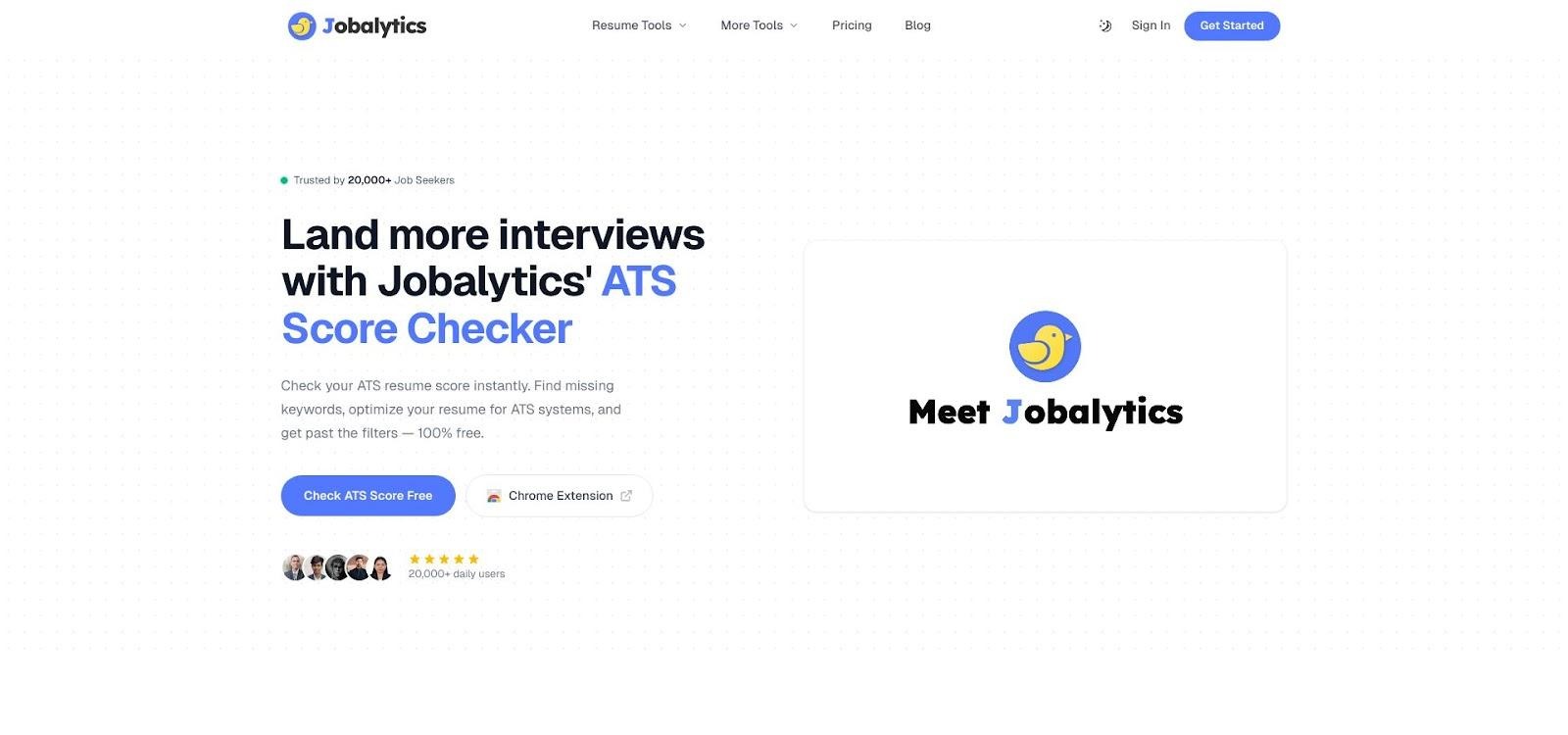
Jobalytics Chrome extension ATS match score sidebar screenshot
A sidebar shows a match percentage and a color-coded list of missing terms. Edit your résumé in Word, upload the new version, and watch the score climb without leaving the listing.
Because the extension runs locally, scans remain unlimited and your data never leaves your browser.
Limitations? It works only in Chrome and checks keywords, not layout. Pair it with a separate formatting audit for complete coverage.
If you review dozens of roles a day, Jobalytics keeps you accurate. No missed buzzwords, no extra steps.
No missed buzzwords, no extra steps.