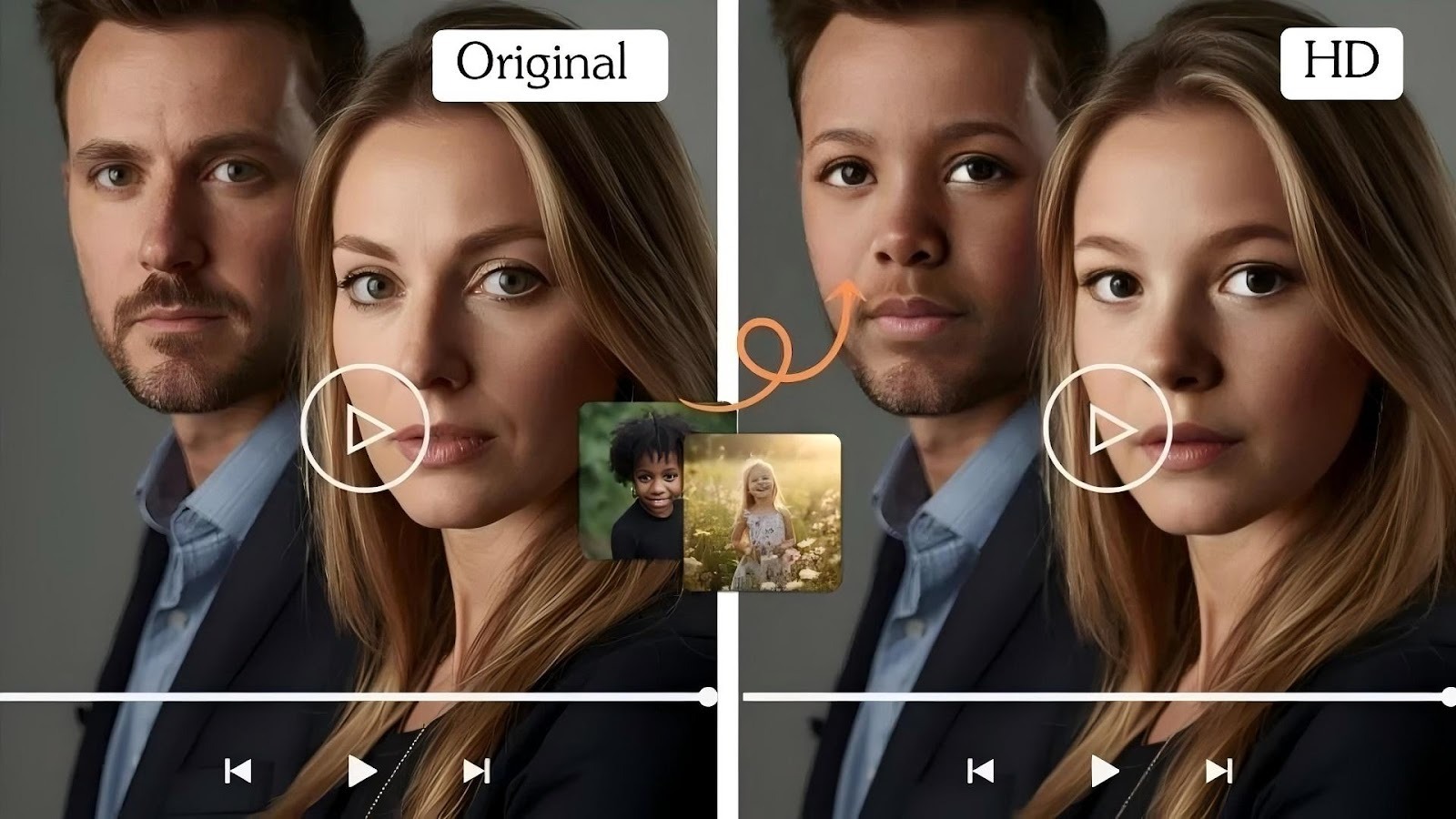
Struggling with glitchy, flickering, or just plain weird AI face swaps in your videos? You're not alone. While the technology is amazing, getting a smooth and believable result can be tricky. The good news is that you can fix most common issues with the right preparation and techniques. It’s less about magic and more about giving the AI the best possible material to work with.
Getting a clean video face swap is crucial for everything from creative film projects to making hilarious memes. When the face flickers or the alignment is off, it breaks the illusion and ruins the effect. This guide will walk you through the essential steps to achieve stable, realistic, and impressive results every time. We'll cover everything from choosing the right clips to fine-tuning the settings for a perfect final product.
Whether you're working on a single-person shot or a complex scene, the principles of quality and consistency are universal. For projects involving several people, a tool designed for that specific purpose can make a huge difference, offering specialized features for a Multiple Face Swap Video that keeps every face locked in place. By following these pro tips, you'll spend less time fixing errors and more time creating amazing content.
Before we dive into the solutions, let's understand the root causes of poor face swap results. Artificial intelligence isn't magic; it's a predictive technology that relies on data. When the data you feed it is messy, the output will be messy, too.
Here are the most common culprits behind unstable video face swaps:
* Poor Quality Source Footage: Low-resolution videos, grainy clips, or footage with compression artifacts make it hard for the AI to track facial features accurately.
* Inconsistent Lighting: Rapid changes in lighting, shadows moving across the face, or harsh backlighting can confuse the AI's tracking algorithms.
* Extreme Head Movements: Fast turns, sudden nods, or jerky motions can cause the tracking to fail, resulting in the swapped face lagging or detaching.
* Facial Obstructions: Hands, hair, glasses, or other objects covering the face, even for a split second, can break the AI's lock on facial landmarks.
* Mismatched Angles and Perspectives: If the source face and the target face are filmed from drastically different angles, the AI will struggle to blend them naturally.
Understanding these core issues is the first step toward preventing them. By controlling these variables, you give the AI the best chance to produce a seamless and stable result.
The foundation of any great face swap is high-quality footage. You can't expect a brilliant result from subpar materials. Think of it as cooking, a master chef can't make a gourmet meal with spoiled ingredients.
Always start with the highest resolution video available, preferably 1080p or 4K. High resolution provides more detail for the AI to analyze, leading to more accurate tracking of facial features like eyes, nose, and mouth. When the AI has more pixels to work with, it can create a more precise map of the face, which is essential for a stable swap.
Good lighting is non-negotiable. The ideal video has soft, diffused lighting that illuminates the face evenly without creating harsh shadows. Avoid clips with:
* Flickering Lights: Strobes or inconsistent indoor lighting can cause the AI to readjust constantly.
* Strong Backlight: This puts the subject's face in shadow, obscuring the features the AI needs to see.
* Moving Shadows: Shadows sweeping across the face from a moving light source or another object will disrupt the tracking.
A well-lit face gives the AI a clear and consistent reference point, which is the secret to a smooth final video.
For the most believable results, the person in your target video and the face you are swapping in should have a reasonably similar head shape and be filmed from a similar angle. While modern AI is flexible, a front-facing portrait will swap much more cleanly onto a front-facing video than onto a profile shot. The closer the match, the less distortion the AI has to create, resulting in a more natural look.
Once you have your high-quality footage, a little preparation goes a long way. Don't just throw the raw files into the software. A few minutes of editing can dramatically improve your final output.
Isolate the most stable parts of your video. If your clip has moments of rapid head-turning or obstructed views, cut them out. Focus on the segments where the subject is facing the camera with minimal movement. It's better to have a shorter, perfect clip than a longer one filled with glitches.
If your source video is shaky from being filmed handheld, use a video stabilization tool before you even think about face swapping. Most modern video editing software, like Adobe Premiere Pro or DaVinci Resolve, has built-in stabilization features. A stable shot prevents the AI from getting confused by background jitter, allowing it to focus solely on the facial movements.
Before swapping, try to color-match your source face and target video as closely as possible. If one is warmly lit and the other is cool, the final swap will look out of place. Use basic color correction tools to adjust temperature, exposure, and contrast so that both clips share a similar lighting environment. This pre-emptive step helps the AI blend the skin tones and lighting more seamlessly.
The software you use plays a massive role in the quality of your output. Top-tier tools are built with more robust algorithms that can handle imperfections and produce more stable results.
When selecting a tool, prioritize those known for their stability and realism. Platforms that specialize in video face swapping often have advanced features designed to tackle common problems. For instance, tools developed specifically for single or multiple face swaps are optimized for those use cases, providing better tracking and blending. Look for features that allow for fine-tuning and manual adjustments.
Many advanced face swap tools offer settings that can help you improve stability. Here are a few common ones to look for:
* Facial Tracking Sensitivity: Some tools let you adjust how tightly the AI locks onto the face. If you have minor obstructions, a slightly lower sensitivity might prevent the tracker from glitching.
* Blending and Feathering: These settings control how the edges of the swapped face blend with the target video. Increasing the feathering can smooth out harsh lines and make the swap look more integrated.
* Masking Adjustments: Advanced tools may allow you to edit the mask that the AI generates. This lets you manually exclude problematic areas, like hair hanging over the forehead, to prevent flickering.
Experimenting with these settings can often solve minor instability issues without you having to go back and re-edit your source clips.
Even with perfect preparation, your swapped video might need a few final touches to look truly professional. A little post-production work can elevate a good face swap into a great one.
After the face swap is complete, apply a final color grade to the entire video. This helps to unify the swapped face with the rest of the scene. A consistent color palette tricks the eye into believing all the elements were filmed together. This is a standard technique used in Hollywood visual effects to sell an illusion.
If the original video has some motion, adding a very subtle motion blur effect can help hide minor imperfections in the face swap. When objects move quickly on screen, our eyes naturally perceive less detail. A touch of motion blur can smooth over any slight jitter that might still be present in the final render.
For important projects, it's worth the time to go through the video frame-by-frame in a video editor. Look for any frames where the alignment is slightly off or an edge is too sharp. You can often fix these tiny errors with simple masking or blurring techniques, ensuring your final product is flawless from start to finish. By putting in this extra effort, you ensure a professional-grade output that stands up to scrutiny.