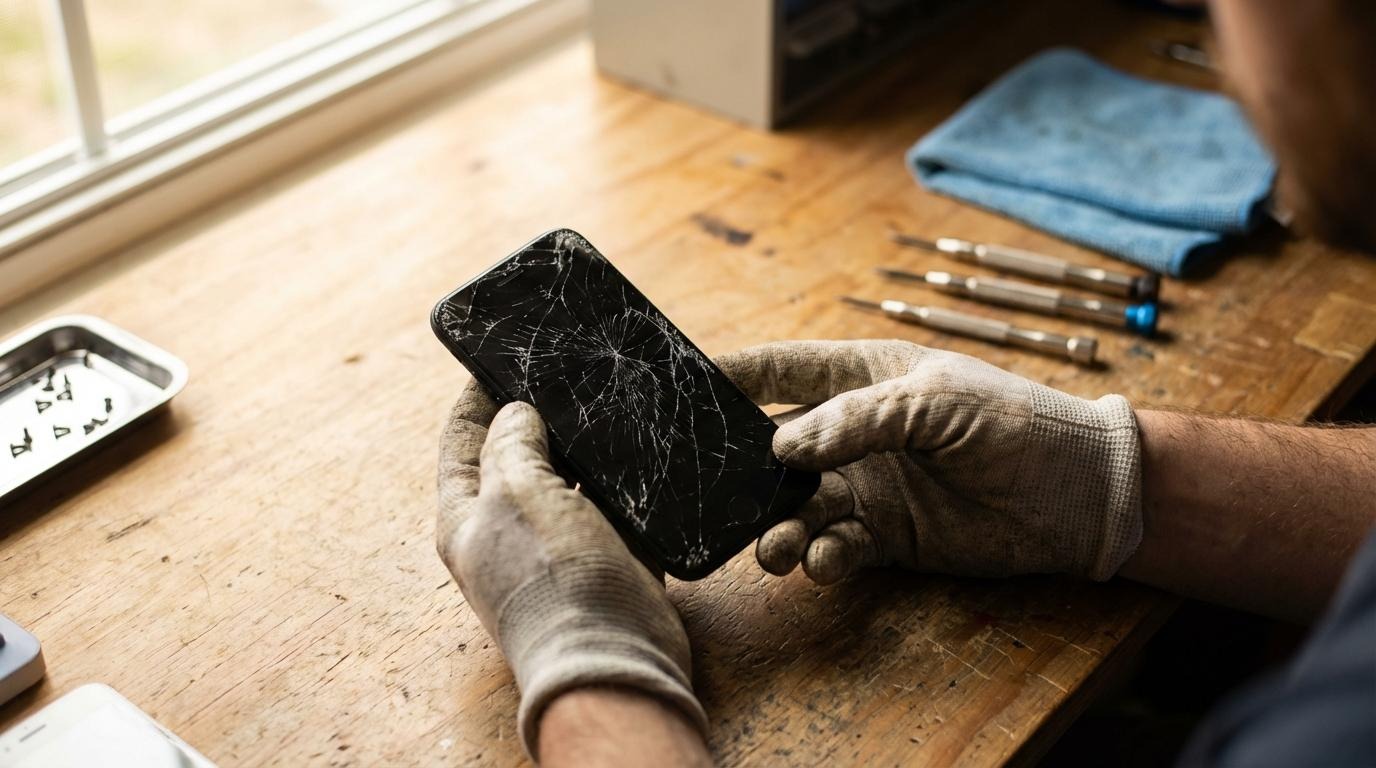
Liquid damage accounts for nearly 29% of all smartphone insurance claims, while physical impact injuries follow closely at 44%. Meanwhile, battery swelling and port failure quietly sideline millions of devices every year before their time. Most owners blame software updates or shrinking storage the truth is far less dramatic. Poor maintenance habits, thermal stress, and mechanical neglect cause the overwhelming majority of premature failures. This guide breaks down precisely what is failing inside your device and gives you actionable strategies to repair, maintain, and extend its life.
What Actually Causes Mobile Device Degradation?
Every interaction with your smartphone places measurable physical demand on internal components. Repeated millions of times across a device's lifespan, these small stresses compound into real, diagnosable damage.
Environmental conditions accelerate every one of these processes:
Foldable devices introduce an additional failure category. Each fold applies lateral shear force to the hinge, and any debris that enters acts as an abrasive that gradually scores the precision surfaces inside.
The Components That Fail First
Battery cells are typically rated for 500 to 800 charge cycles before capacity noticeably diminishes. After two to three years of daily charging, a battery that once lasted a full day may struggle to reach mid-afternoon.
Charging ports tend to degrade silently. The first sign is often subtle the cable sits slightly loose, or charging only initiates when held at a particular angle.
Early warning signs worth monitoring:
Pro Tip: Intermittent failures are almost always cheaper to address than total component failure. A charging port that occasionally loses connection will eventually stop connecting entirely.
How Storage and Software Degradation Affect Performance
Hardware is only half the story. The software environment your device runs on degrades alongside its physical components, and the symptoms are nearly identical to hardware failure in many cases.
Modern smartphones use NAND flash storage, which has a finite write endurance. Every app installation, photo taken, and system update consumes a portion of that endurance. When NAND flash storage cells accumulate sufficient write cycles, read and write speeds decline measurably contributing directly to the sluggishness owners typically attribute to aging hardware.
Free storage space matters equally. When available space falls below 10 to 15 percent of total capacity, apps begin crashing unpredictably, camera shutter lag increases, and the entire interface becomes sluggish.
Practical steps to manage software-related slowdown:
Key insight: A three-year-old device that feels sluggish may have entirely healthy hardware. Before ordering replacement parts, invest an hour in software maintenance first.
Prevention and DIY Maintenance: What Actually Works
Carry habits are more impactful than most people expect. Keeping a phone in a dedicated pocket, separated from keys and coins, eliminates a primary source of screen micro-abrasion. For foldable owners, vertical pocket carry reduces both lint intrusion into the hinge and lateral stress during retrieval.
Component-by-component maintenance guidance:
The Misconception That Costs People Money
A widely held belief frames smartphone degradation as deliberately engineered. The actual evidence does not support this. The physics of lithium-ion chemistry, glass fracture mechanics, and flash storage endurance are well-documented and apply universally regardless of manufacturer.
Devices maintained consistently, with timely component replacements and sensible usage habits, routinely reach five or six years of reliable service. The gap between a device that fails early and one that lasts a decade is, in most cases, almost entirely attributable to how it was treated.
Quality Parts and Reliable Repairs: Getting It Right
The knowledge and parts to maintain your smartphone for years are genuinely accessible. At DIYFIXTOOL, we supply tested replacement components for a comprehensive range of devices including the latest flagship models and older handsets with a one-year parts warranty. Every component is quality-checked before dispatch, whether you are completing your first battery replacement or managing repairs at scale. If a screen replacement is your starting point, our affordable screen replacement guide provides a clear, step-by-step foundation for one of the most common and rewarding repairs you can undertake.