Imagine you're on a long commute, stuck in a hotel, or simply lounging on the couch, and you suddenly get the urge to jump back into your favorite open-world adventure. In the past, your gaming was tethered to a desk. Today, remote gaming software breaks those chains, allowing you to stream the full power of your home PC to almost any device you have on hand.
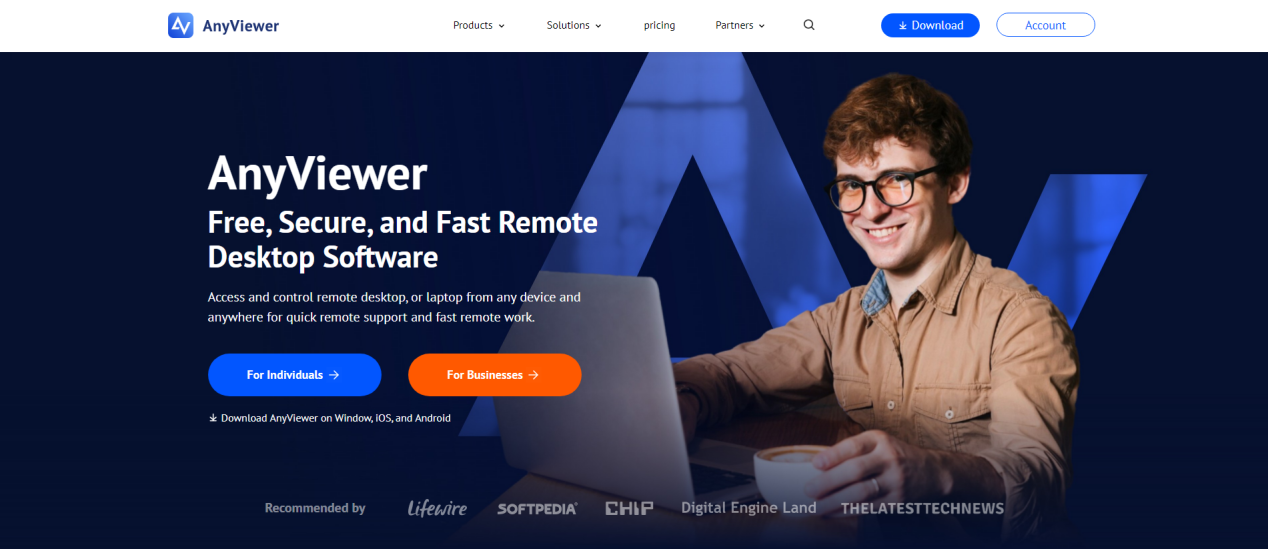
Whether it's a lightweight laptop, a tablet, or even your smartphone, you can now "teleport" into your gaming rig with a single tap. AnyViewer makes this experience worry-free, focusing on a setup so simple and a connection so stable that the distance between you and your PC simply disappears.
If you've tried using TeamViewer or AnyDesk for gaming, you've likely hit a wall: "Commercial use detected" pop-ups, frustrating lag, or subscription fees that cost more than a new game.
AnyViewer was engineered to overcome these limitations. With a mission to make world-class connectivity accessible to all, many users consider it the best remote gaming software because it outperforms traditional tools through several key technical advantages:
Most remote desktop software are notorious for cutting off sessions if they suspect you aren't just "helping a friend." There's nothing worse than having your boss fight interrupted by a license warning. If you are looking for remote gaming software free of these intrusive interruptions, AnyViewer offers a richer free plan that supports both personal and flexible use cases, ensuring your connection stays live.
Standard remote desktop tool is typically built for static office tasks. AnyViewer, however, is specifically optimized for high-motion, smooth connections:
In a first-person shooter (FPS) or an expansive open-world RPG, a standard "office" mouse cursor simply won't cut it. AnyViewer's dedicated 3D Mouse Mode allows for seamless, 360-degree camera rotation. This gives you the same fluid precision and immersive control as if you were sitting right at your desk, regardless of the device you're using.
Ready to play without limits? Follow these simple steps to get started:
Step 1: Download and Install
Visit the official AnyViewer website and download the installer for your host PC and your portable client device.
Step 2: Create Your Free Account
Sign up for a free account and log into the same account on both devices.
Step 3: One-Click Connect
On your client device’s "Device" tab, select your gaming PC and click "One-click control." Your remote desktop will appear instantly, ready for you to launch Steam, Epic, or any game of your choice.
While AnyViewer excels in gaming performance, its powerful architecture also makes it an outstanding solution for professional use. The same low-latency technology that eliminates lag in fast-paced games ensures smooth, responsive remote work, just like being at your office desk.
For IT professionals, AnyViewer goes far beyond basic screen viewing. With features like unattended access, fast file transfer, and multi-monitor support, technicians can troubleshoot systems, manage servers, and deliver real-time support from anywhere, without disruptive “commercial use” restrictions common in other tools.
Gaming is no longer tied to a single desk; it's all about flexibility and freedom. You shouldn't have to miss out on your favorite titles just because you're away from your setup. If you are searching for the best remote gaming software that combines high performance with a true user-first approach, AnyViewer stands out as the premier choice.
With smooth HD streaming, reliable security, and a genuinely usable free plan, it delivers a seamless experience without hidden limitations. AnyViewer offers worry-free remote access, giving you more power, more freedom, and more value at no extra cost.