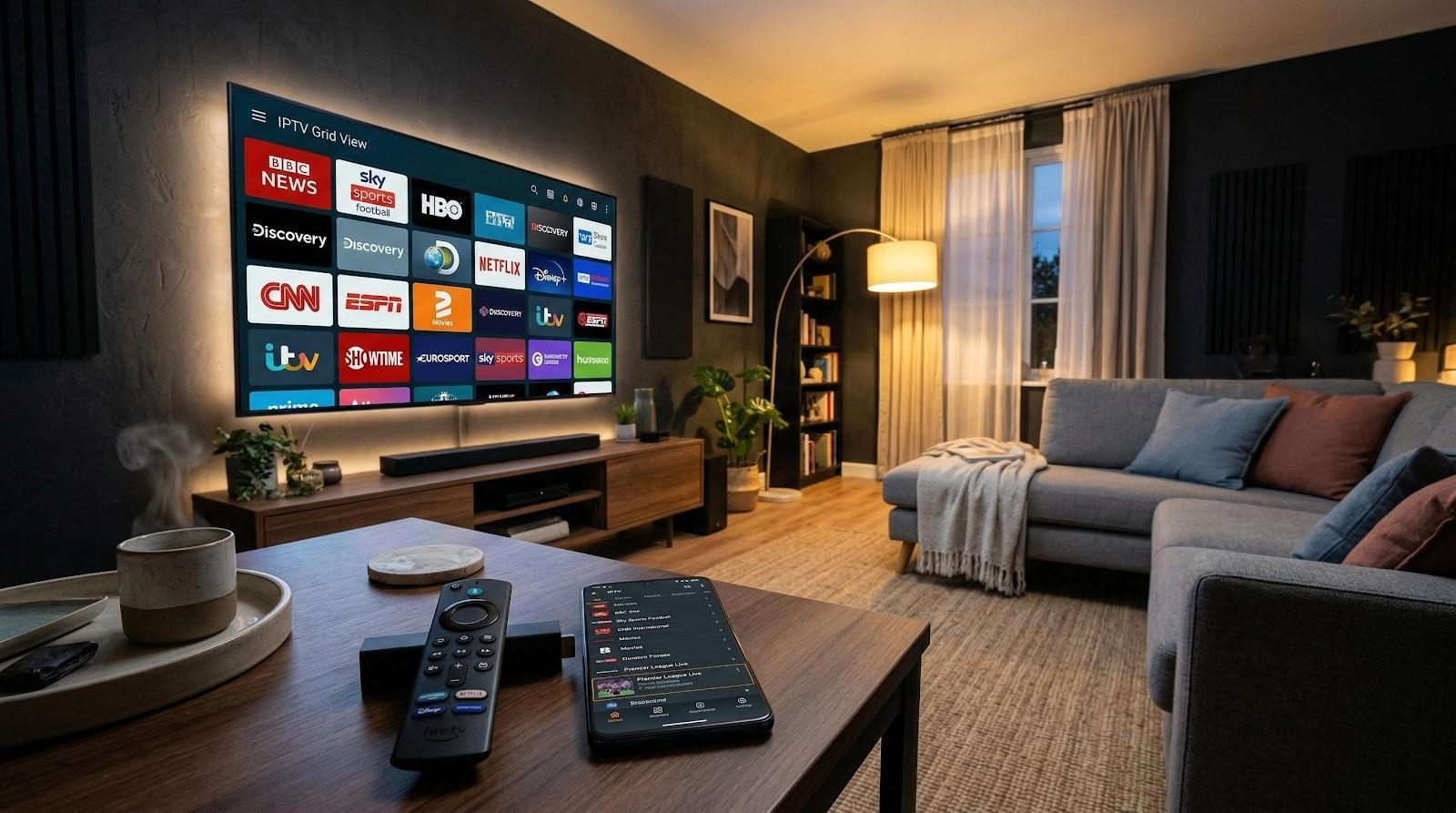
Cable TV bills keep climbing, yet the number of channels worth watching stays about the same. That frustration is pushing millions of viewers toward IPTV apps, software that streams live television, on-demand movies, and series over a regular internet connection. IPTV Smarters is one of the most recognized names in this space, but it is far from the only option. Choosing the right app depends on what device you own, what features matter to you, and how much (or how little) you want to spend.
This guide breaks down the best IPTV apps available for Smart TVs, Android devices, and Amazon Firestick in 2026. Each app is evaluated on real compatibility, usability, and value.
What IPTV Apps Actually Do (and Why You Need One)
An IPTV app is a media player designed specifically for internet-based television. It connects to an IPTV service provider and turns raw channel data into a watchable experience, complete with an electronic program guide (EPG), channel categories, and video-on-demand libraries.
Think of it this way: an IPTV subscription gives you access to channels and content, but the app is what actually displays them on your screen. Without a dedicated player, you would need to manually load playlist files in a generic media player, which works but strips away the EPG, the channel organization, and most playback controls.
The best IPTV apps support two main connection formats. M3U playlists are simple URL-based files that contain channel links. Xtream Codes is a more advanced API that provides a richer interface with categories, VOD sections, and catch-up TV. Most modern apps handle both, but the quality of the experience varies widely from one player to the next.
What to Look for in an IPTV App
Not every IPTV app fits every user. Before choosing one, consider a few key factors that affect your experience.
Device compatibility comes first. Some apps work across Android, iOS, Smart TVs, Firestick, and PC, while others are limited. If you use multiple devices, cross-platform support makes things easier.
Format support is also important. Apps that handle M3U and Xtream Codes let you switch providers easily. EPG integration helps organize and browse channels.
For streaming quality, choose an app that supports HD and 4K smoothly. A 10 Mbps connection works for HD, while 25 Mbps is better for 4K. Price is the final factor, with options ranging from free to paid.
The Best IPTV Apps in 2026, Compared
Five apps stand out this year for their combination of features, device support, and reliability. Here is how they compare at a glance.
App | Price | Platforms | Key Feature | Best For |
IPTV Smarters | Free / Premium | Android, iOS, Smart TV, Firestick, PC | Cross-platform with Xtream Codes | All-around use |
TiviMate | ~$10/year or $30 lifetime | Android, Firestick | Recordings and multi-playlist | Power users |
Perfect Player | Free | Android, Firestick | Minimalist EPG interface | Simplicity seekers |
Kodi (PVR IPTV) | Free, open-source | All platforms | Full multimedia center | Advanced users |
OTT Navigator | $0.99/mo or $19.99 lifetime | Android, Firestick | Budget premium features | Value-conscious users |
IPTV Smarters
IPTV Smarters has earned its reputation by doing one thing well: working on practically everything. You can install it on an Android phone, an iPhone, a Samsung Smart TV, an Amazon Firestick, or a Windows PC, and the interface stays consistent across all of them. That kind of cross-platform reach is rare among IPTV players.
The app supports both M3U playlists and Xtream Codes API, which means it handles live TV, video on demand, and catch-up content through a single interface. The built-in EPG loads quickly and organizes channels into clean categories. Multi-screen options let households share a single subscription across devices without stepping on each other's streams.
For users in the Netherlands, IPTV Smarters NL offers a localized experience with access to Dutch channels including NPO, RTL, and SBS alongside international content. The service delivers Full HD and 4K quality with activation typically completed within minutes of subscribing.
Where IPTV Smarters falls short is customization. Power users who want granular control over EPG layouts or recording schedules may find the options limited compared to TiviMate. But for most viewers who want a reliable player that works across devices without fuss, it remains a top pick.
TiviMate
TiviMate is the app that power users keep coming back to. It supports multiple playlists simultaneously, which means you can load channels from different IPTV providers and browse them all in one place. The recording feature works reliably and lets you schedule recordings through the EPG, a function most free apps skip entirely.
EPG customization is where TiviMate really separates itself. You can adjust the layout, set favorite channel groups, and configure auto-updates so the guide stays current without manual refreshes. The catch is that it only runs on Android-based devices, so iPhone and Samsung Smart TV users are out of luck. Pricing sits at roughly $10 per year or $30 for a lifetime license, which is reasonable given the feature set.
Perfect Player
Perfect Player strips the IPTV experience down to essentials. The interface is minimal, the channel list loads fast, and the EPG is functional without being cluttered. It supports M3U and Xtream Codes connections and runs well even on older Android devices and low-powered Firesticks.
There are no premium tiers or in-app purchases. It is free, and it stays free. The trade-off is a dated visual design and no recording capability. If you want a player that simply plays your channels without getting in the way, Perfect Player delivers exactly that.
Kodi (with PVR IPTV Add-on)
Kodi is not an IPTV app in the traditional sense. It is a full multimedia center that can be extended with add-ons, including PVR IPTV Simple Client for live TV streaming. This makes it the most flexible option on the list, capable of handling IPTV alongside local media files, podcasts, and music libraries.
That flexibility comes with a steeper learning curve. Setting up the PVR add-on requires importing an M3U playlist URL and configuring the EPG source manually. For users comfortable with that process, Kodi is powerful and completely free. For everyone else, a dedicated IPTV app will be quicker to get running.
OTT Navigator
OTT Navigator sits in an interesting spot: premium features at a budget price. At $0.99 per month or $19.99 for a lifetime license, it costs a fraction of TiviMate while offering a surprisingly deep feature set. Multi-playlist support, EPG customization, and channel grouping are all included.
The interface is clean and responsive on Android TV and Firestick devices. It handles Xtream Codes and M3U connections without issues. Where it lags behind TiviMate is in polish; the recording options are less intuitive, and the initial setup takes a few extra steps to configure properly.
Which App Works Best on Your Device
The best IPTV app depends on your device. Smart TV users with Samsung or LG have limited options. Smart IPTV works well for M3U playlists, while IPTV Smarters is one of the few apps that supports these TVs.
Firestick and Fire TV users have more choices. TiviMate is ideal for premium features, IPTV Smarters offers a simpler setup, and XCIPTV is a good free option with external player support to reduce buffering.
On Android phones and tablets, Televizo is popular for its mobile-friendly design and easy channel management. IPTV Smarters also performs well, though its interface is more suited for TVs.
iOS is the most restrictive platform for IPTV apps. Most players are Android-only. IPTV Smarters is one of the few that maintains a working iOS version, which makes it the default recommendation for iPhone and iPad users. Dutch viewers looking for a provider that supports all these platforms can explore options through IPTV Nederland, which covers Smart TVs, mobile devices, and streaming boxes under a single subscription.
Windows and Mac users can run Kodi for the most feature-rich experience, or VLC Media Player for basic M3U playback without installation of additional add-ons. IPTV Smarters also offers a Windows version.
How to Set Up an IPTV App on a Firestick
Amazon Fire TV Stick is widely used for IPTV streaming. Open the App Store and install apps like IPTV Smarters, or sideload them by enabling “Apps from Unknown Sources” and using a downloader.
After installation, open the app and choose your connection method. Enter Xtream Codes details (server URL, username, password) or paste your M3U playlist link. The app will load channels and EPG automatically.
Organize favorites and channel groups for easier use. For better performance and smooth 4K streaming, use a wired connection instead of Wi-Fi.
.
Staying Safe While Streaming
IPTV apps are legal as they are simply media players, similar to VLC media player. The legality depends on the content source. Licensed IPTV providers operate legally, while services offering premium channels at very low prices may not.
Protecting your privacy while streaming is important. A VPN encrypts your internet traffic and prevents your ISP from tracking your activity or slowing your connection during peak times.
Always choose providers that are transparent about their channels and offer customer support. Services with no website, no support, and only crypto payments should be treated as red flags.
Frequently Asked Questions
What is IPTV Smarters and how does it work?
IPTV Smarters is a media player app that connects to IPTV service providers and displays live TV, video on demand, and catch-up content on your device. You enter your provider's login credentials or M3U playlist URL, and the app handles the rest, including loading channels, displaying the EPG, and organizing content into categories.
Is IPTV Smarters free to use?
The app itself is available in both free and premium versions. The free version covers basic functionality, while the premium version adds features like multiple playlist support and an ad-free experience. Keep in mind that the app is just the player; you still need a separate IPTV subscription to access channels and content.
What devices are compatible with IPTV apps?
Most IPTV apps support Android phones, tablets, Android TV boxes, and Amazon Firestick. Some apps, including IPTV Smarters, extend to iOS, Samsung Smart TVs, LG Smart TVs, and Windows PCs. TiviMate is limited to Android-based platforms, while Kodi runs on nearly everything including Mac and Linux.
How do you install an IPTV app on a Firestick?
Search for the app in the Amazon App Store and install it directly. If it is not in the store, enable "Apps from Unknown Sources" in your Firestick settings, install a downloader app, and use it to sideload the APK from the developer's website. After installation, enter your IPTV provider credentials to start streaming.
Do you need a VPN for IPTV?
A VPN is not required, but it is recommended. It encrypts your streaming traffic, prevents ISP throttling, and adds a layer of privacy. This is particularly useful if your ISP slows down streaming connections during busy hours.
What is the difference between IPTV Smarters and TiviMate?
IPTV Smarters offers broader device compatibility, including iOS and Smart TV support, with a clean and straightforward interface. TiviMate provides deeper customization, built-in recording, and multi-playlist management, but only works on Android-based devices. The choice depends on whether you prioritize device coverage or advanced features.
Are IPTV apps legal?
Yes, IPTV apps are legal software. They function as media players. The legality depends on the content you access through them. Using an IPTV app with a licensed, legitimate provider is completely legal. Using one to access pirated streams is not.
Picking the Right IPTV App for You
The best IPTV app is the one that works reliably on your device and matches how you actually watch TV. Start with your device, narrow down by the features you care about, and test a free option before committing to a paid one. IPTV apps keep improving each year, and the options available in 2026 make cord-cutting more practical than it has ever been.