In Rainbow Six Siege, information is more than just power; it’s the line between a triumphant clutch and a humbling defeat. Every drone scan, every callout, every pre-fired angle is a piece of a larger puzzle.
But the most overlooked intel might just be your own. Your personal performance data is a roadmap to mastery, revealing your strengths, pinpointing your weaknesses, and charting a clear path to becoming the operator you were meant to be.
Gone are the days of simply glancing at a post-match K/D ratio. The modern Siege operator has access to a suite of sophisticated tools that transform raw data into tactical gold.
Whether you’re a pro player or an R6S booster looking to upgrade your competitive edge or a newcomer eager to climb the ranks, understanding how to check and interpret your stats is fundamental. This is your definitive guide to navigating the world of R6 analytics, from the official in-game dashboards to the powerful third-party tools that the pros keep in their back pockets.
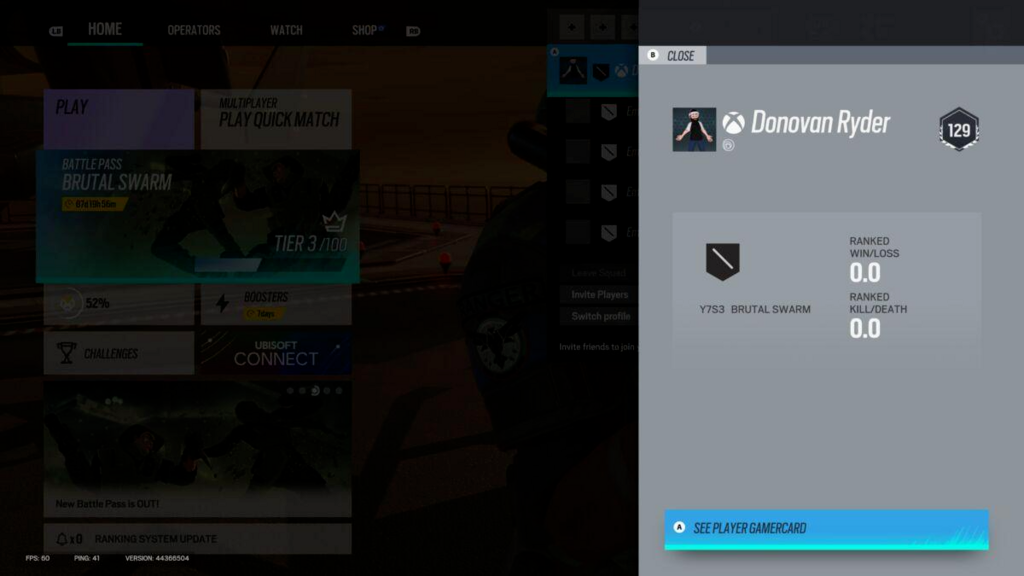
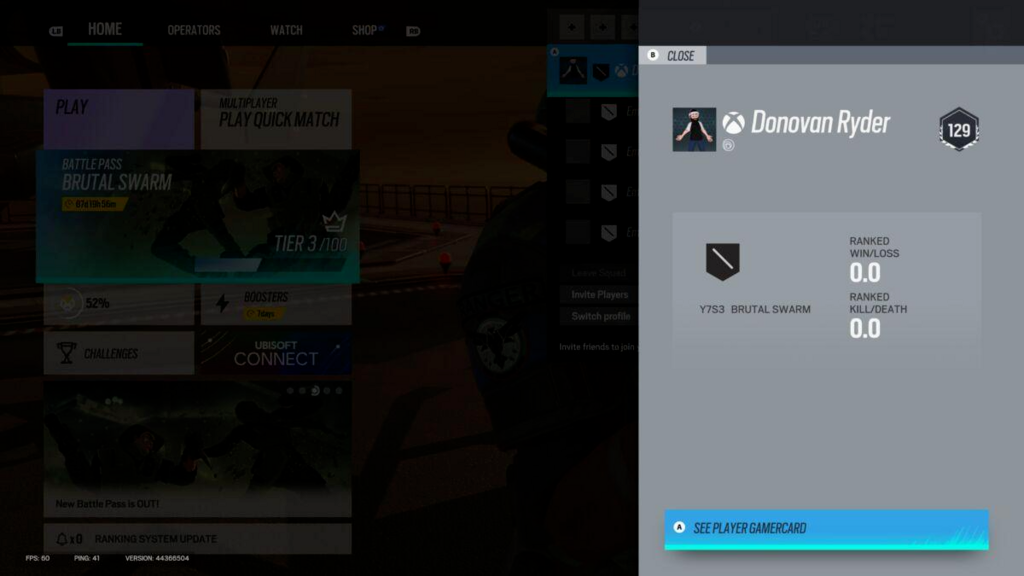
Your initial foray into stat tracking begins where the action happens: inside the game client itself. It’s clean, direct, and serves as your immediate after-action report.
To access it, simply navigate from the main menu: 1. Select the “Career” tab. 2. Click on the “Statistics” tile.
Here, you’ll find a tidy overview of your performance. This dashboard presents the essentials: your win/loss and kill/death ratios for the current ranked season, along with basic performance metrics for your most-played operators. Think of it as the headline news of your recent performance, perfect for a quick pulse check between matches. While it doesn’t offer a deep historical archive, its immediacy is its strength.
For a more panoramic view of your Siege career, your next stop is Ubisoft Connect. This is Ubisoft’s own platform, a digital hub that beautifully integrates your journey across their titles. It’s where your in-game identity truly takes shape.
Ubisoft Connect elevates your stat-tracking by offering a more persistent and detailed record. You can see lifetime statistics, compare your performance across different seasons, and get a better sense of your overall trajectory. One of its most stylish features is the playstyle breakdown, which analyzes your tendencies and sometimes assigns you an archetype, such as “Fragger” or “Support.” It’s a clever touch that adds a layer of personality to the pure numbers.
Accessing your profile is simple, whether through the desktop app or the official website. This is the official, curated story of your time in Siege, presented with a polished interface that feels like a natural extension of the game.
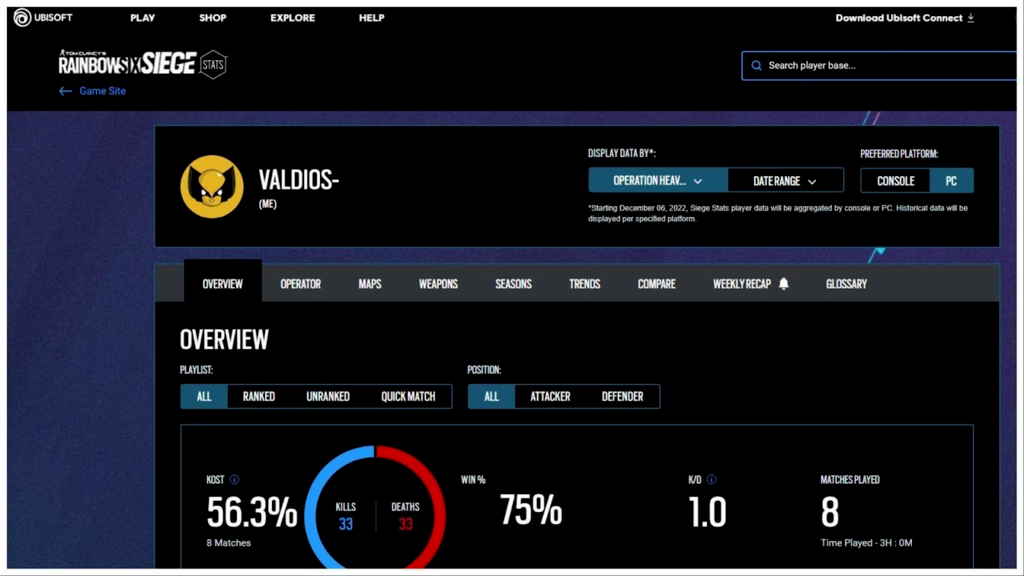
When you’re ready to move from headlines to granular analysis, Ubisoft’s dedicated R6 stats website is your destination. This web-based tool is for the operator who wants to dissect their performance with surgical precision.
After logging in with your Ubisoft account, you unlock the ability to filter your entire history with impressive control. Want to know your win rate with Iana on the map Chalet during Operation Deadly Omen? You can find that. Curious about which weapon nets you the most kills? The data is there. This portal allows you to explore:
This is the place to form educated conclusions about your gameplay. If you notice your win rate with a particular operator is higher than you thought, perhaps it’s time to bring them into your main rotation. If a specific map consistently gives you trouble, you know where to focus your following VOD review or custom game practice.
While Ubisoft’s official tools are excellent, the dedicated Siege community has developed third-party applications that offer a level of real-time insight that can change the way you approach every single round.
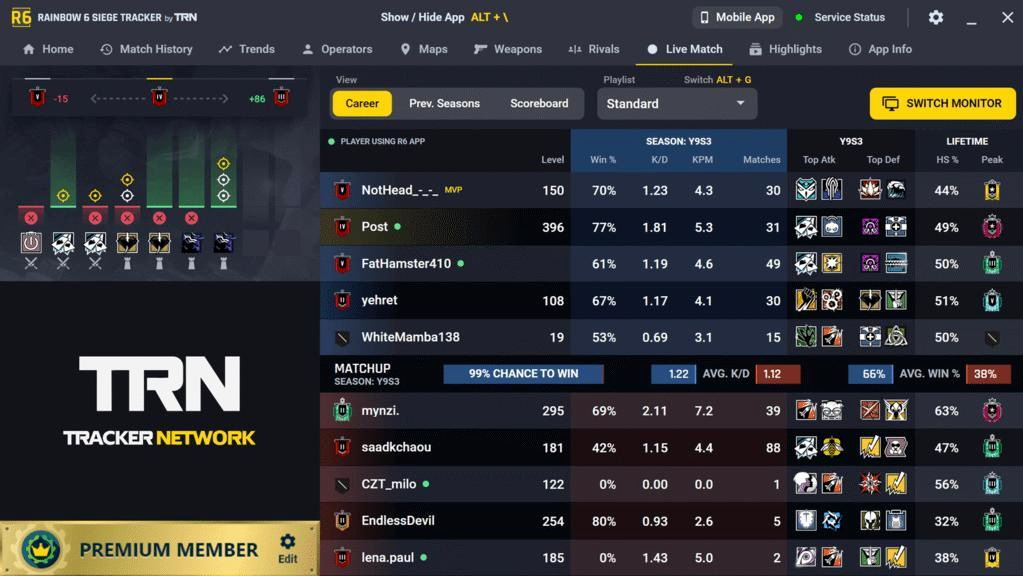
The R6 Tracker from Tracker Network, often used via the Overwolf app on PC, is the most popular and powerful tool available to the public. Its signature feature is a real-time, in-game overlay that provides an astonishing amount of information about every player in your lobby, teammates, and opponents alike.
As soon as a match begins, you can see:
This isn’t just data; it’s pre-round intelligence. Knowing you’re up against a team with a highly aggressive Ash main or a seasoned Clash player can inform your team’s strategy before the first drone is deployed. Beyond the live overlay, the R6 Tracker website stores an exhaustive match history, letting you review past games with incredible detail.
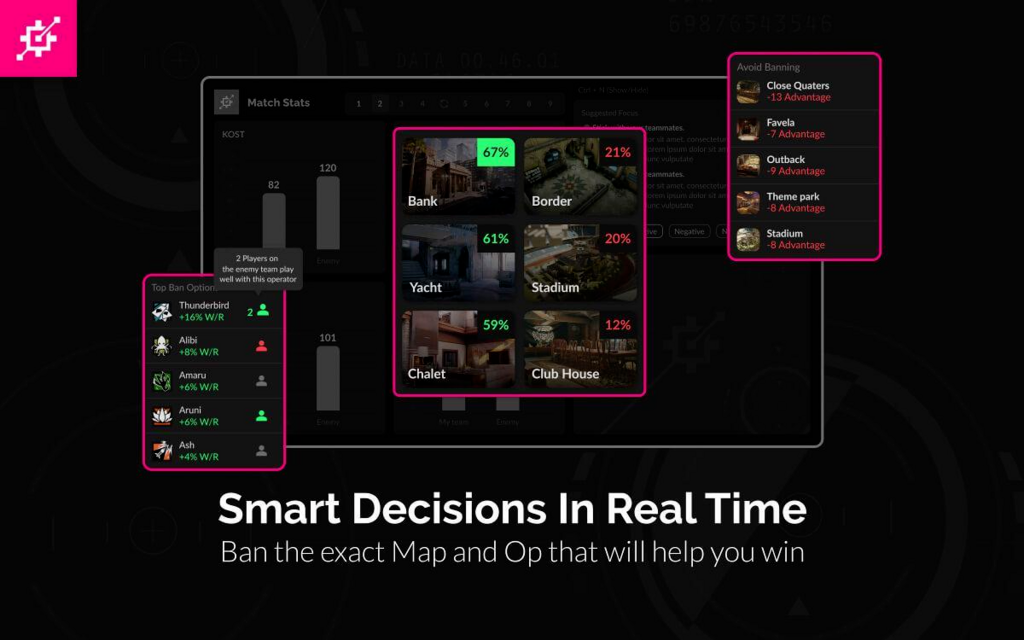
If R6 Tracker is your intelligence officer, then R6 Analyst is your personal coach. This innovative tool runs in the background, analyzing your gameplay to provide personalized feedback designed to help you improve.
R6 Analyst moves past simple metrics and looks at the how and why of your actions. It tracks nuanced actions like traded kills, utility usage, and roam effectiveness. After a match, it can generate “Focuses”, actionable tips based on your performance. For example, it might notice that you often lose engagements without a teammate nearby and suggest you work on playing for trades. It’s a brilliant way to turn every session into a genuine learning opportunity, bridging the gap between playing and practicing.