
DVDs and Blu-rays remain popular for movie collectors, cinephiles, and those who value physical media. However, without proper care, your collection can suffer from scratches, environmental damage, or simply get disorganized over time. Whether you're preserving rare editions or building a home media library, knowing the best way to store DVDs and Blu-rays is essential.
In this article, we'll explore both physical DVD/Blu-ray storage ideas and digital backup solutions so you can protect your collection and enjoy your media for years to come.
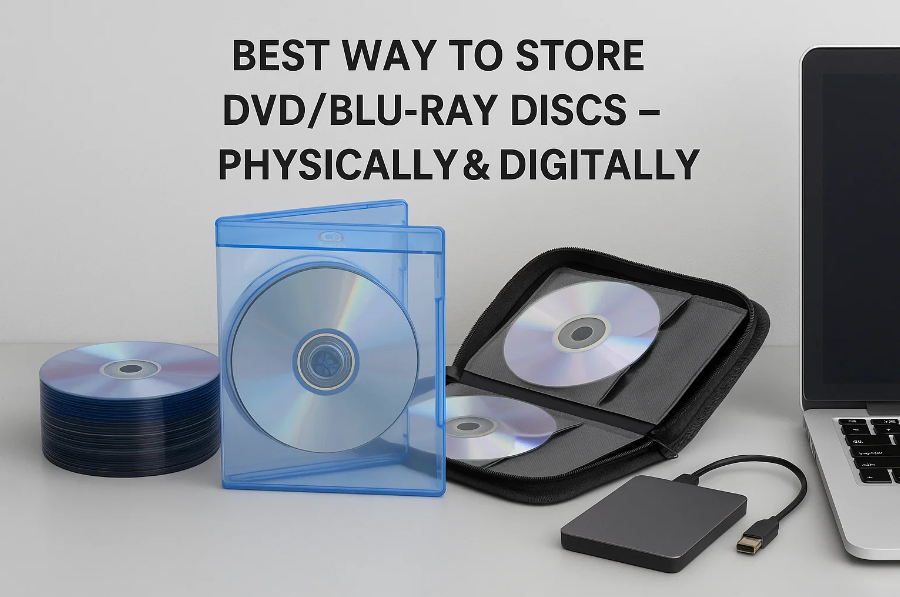
Physical Storage – Protecting the Discs Themselves
Physical discs can last decades if stored properly. Here are practical DVD storage solutions and Blu-ray storage ideas to help you preserve your collection in top condition.
1. Use Original or Protective Cases
The original cases are designed to prevent scratches, dust, and exposure to sunlight. If you've lost the originals, invest in replacement jewel cases or sleeves with soft interiors. Avoid paper sleeves—they can cause micro-scratches over time.
2. Proper Shelving & Positioning
Choose stable, sturdy shelving units that support the full weight of your collection. Use shelves that allow discs to stand vertically, much like books, to prevent warping or bending.
DVD storage ideas for small spaces:
Blu-ray storage solutions can include:
3. Ideal Environment
Environmental conditions play a crucial role in preserving discs:
Exposing your discs to poor conditions could cause data layer degradation, warping, or disc rot over time.
4. Handling & Cleaning
Always handle discs by the outer edge or center hole. Avoid touching the shiny side with bare fingers. Clean using a soft microfiber cloth, wiping from the center outward—never in circles.
Avoid household cleaners or abrasives. Use disc-safe cleaning solutions if necessary.
5. Organizing Your Collection
A well-organized collection makes your media library more enjoyable and manageable.
Organizational ideas:
Label your shelves and containers for easy access. For collectors, include information like release year, special features, or edition type.
Digital Storage – Backing Up Your DVD/Blu-ray Collection
Physical discs, despite proper care, can still get scratched or lost. Digitizing your collection ensures long-term access and adds the convenience of streaming to your setup.
1. Why Digitize Your Discs?
Digitizing offers numerous benefits:
2. Ripping/Copying DVDs/Blu-rays to Digital Files
Ripping Discs (Create digital files for playback)
Ripping converts your physical media into playable digital video files (e.g., MP4, MKV).
Recommended tools:
These tools are great for users asking "how to store Blu-ray discs digitally" and want the flexibility to stream on different devices.
Copying Discs (Clone for backup)
Copying creates exact ISO or folder copies of your discs, preserving original quality and structure.
Recommended tools:
These are perfect for purists who want to retain the full structure and quality of their discs.
3. Where to Store Digital Copies
Once digitized, you need a reliable place to store your files. Here are your best options:
Local Storage
Local storage is ideal for those seeking Blu-ray storage without relying on third-party servers.
Cloud Storage
Media Servers
These systems are perfect for organizing and browsing your collection across devices.
4. Best Practices for Digital Libraries
To keep your digital collection clean, accessible, and secure:
Conclusion
Whether you're a casual viewer or a hardcore collector, storing DVDs and Blu-rays the right way is crucial for long-term enjoyment and preservation. For physical collections, proper cases, shelving, and environment control ensure longevity. For digital collections, tools like Leawo Blu-ray Ripper and Leawo Blu-ray Copy provide flexible and high-quality backup solutions.
By combining thoughtful DVD storage solutions and strategic digital practices, you can protect and enjoy your media for decades to come.











