
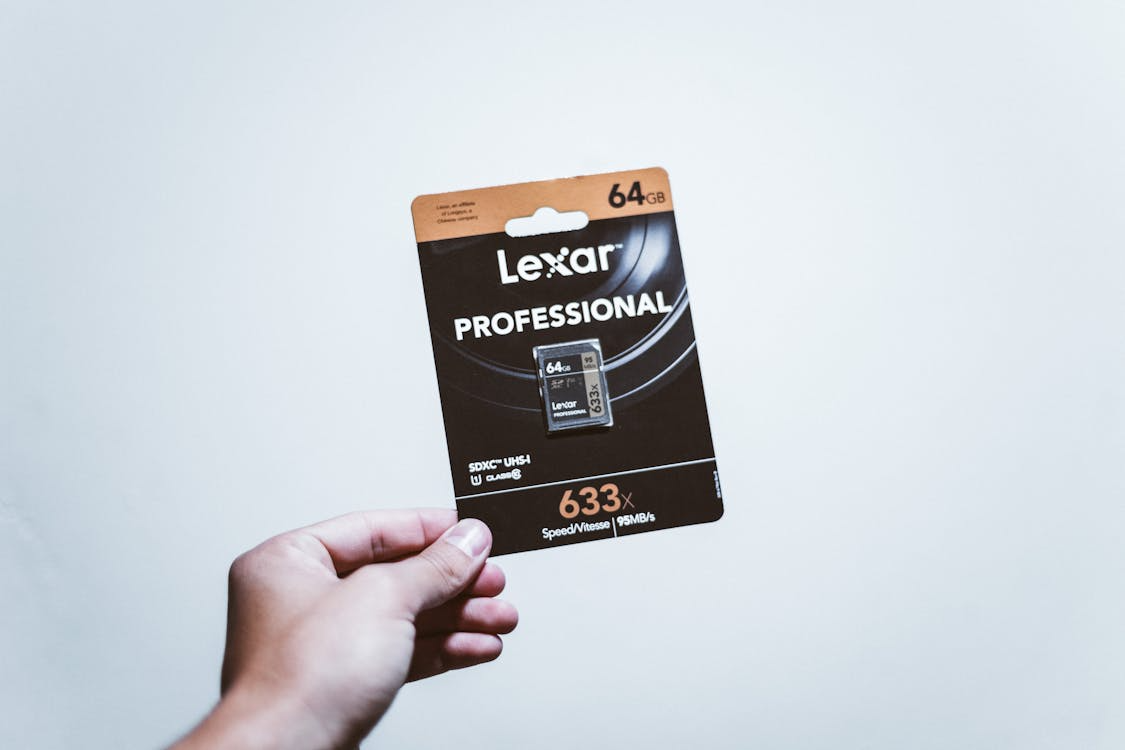
Managing large photo and video collections has become a daily task for many creators. As projects grow, so does the challenge of keeping everything safe and easy to find. Choosing the right backup plan is a key part of protecting valuable work. Local storage, like high-capacity memory cards, offers speed and direct access. Remote backup services add extra security and flexibility. Deciding which method fits best depends on how often files are updated, shared, or archived.
Here are some practical ways to keep your digital files organized and secure:
Knowing Your File Types and Storage Needs
Before deciding on a backup approach, take a close look at the types of data you handle every day. Photos, high-resolution videos, design drafts, and audio projects each vary in size and access demands. For example, raw photo formats and 4K video can quickly fill a card or drive. Evaluate how often you edit or retrieve these projects. Consider the devices you use and the speed required when transferring data. Sorting this out first helps shape a system that fits your workflow, keeps everything organized, and prevents unnecessary purchases or storage headaches later on.
Comparing Backup Solutions for Creative Work
A solid backup strategy often blends different methods. Some professionals like the immediate control of memory cards or portable drives. Others appreciate the convenience of remote services for long-term protection and easy sharing. Both choices meet different needs based on speed, cost, and accessibility requirements. When weighing camera storage vs cloud storage for backups, think about how quickly you need to access projects, how much space you require, and whether you work mostly in one location or move between shoots and editing setups. High-performance storage solutions from reputable providers can help you organize your digital files and keep them secure.
Building a Simple Folder Structure
A well-planned folder layout saves time and reduces stress. Start by grouping content by project, client, or date. Within each folder, add subfolders for photos, videos, drafts, and final versions. Keep the format consistent so you never wonder where something belongs. Use short, clear names for folders so they display well on different devices. Once the structure is in place, make a habit of adding new work right away instead of waiting until projects pile up. Review the setup occasionally and adjust if your workflow changes. This straightforward system helps keep everything easy to locate and maintain.
Naming Files for Quick Searches
File names play a big role in how fast you can find past work. Include important details such as the date, project name, or client in each name. Avoid long strings of words or special characters that might cause issues on some systems. For example, “2025-09-product-shoot-final.jpg” is more helpful than “IMG_00123.jpg.” Using a pattern across all work means you can search confidently and locate the correct item in seconds. If you collaborate with others, agree on a standard naming style early. Consistent naming keeps editing sessions smooth and prevents the need for time-consuming manual searches later.
Staying organized is key to protecting creative output and making future searches easier. By building a clear folder structure, naming items well, and setting a steady backup schedule, you lower the risk of losing important work. Combining fast external drives with remote services provides balanced security and quick access. Taking time to archive old material keeps active spaces uncluttered and efficient. With consistent habits and the right backup approach, your creative projects remain safe, accessible, and easy to locate whenever you need them.











