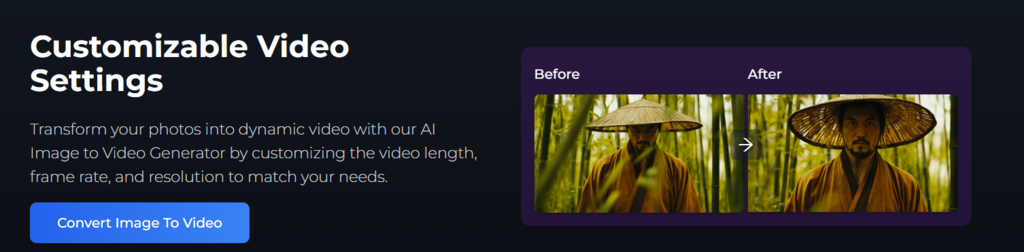
In recent years, image to video AI has moved from experimental research to everyday creative tools — allowing anyone to turn still photos into short, captivating motion clips. You can easily try it yourself using image to video ai, which lets you upload a single image and watch it come alive with cinematic motion. This article explores how the technology works, what drives its results, practical use cases, ethical considerations, and a step-by-step workflow to create seamless animations.
At its core, image to video AI predicts how the pixels in a static image might move over time. It generates a sequence of frames that blend realism with imagination, using a process called generative modeling. Most systems rely on diffusion models — AI networks that begin with random noise and gradually transform it into coherent frames based on your image and prompt.
Some models add depth mapping or optical flow estimation, which helps simulate camera motion and realistic object movement. By analyzing lighting, shapes, and background context, the algorithm can infer how elements should behave across time. The result is a smooth, animated clip that looks as though it was filmed, not generated.
Image to video AI is reshaping digital creativity across industries:
This technology dramatically cuts production time while unlocking visual possibilities that used to require professional animation teams.
Quality starts with preparation. Follow these principles to achieve smoother, more realistic animations:
Treat the process like directing a scene — experiment until the motion feels natural and emotionally aligned with your vision.
Despite its creative power, image to video AI has boundaries that deserve respect.
Responsible use ensures that innovation remains beneficial and trustworthy.
Here’s an easy six-step process you can follow:
This workflow helps you build a repeatable creative habit that improves results over time.
How does image to video AI work?
It predicts motion across frames using deep learning models that simulate time and perspective.
Can I animate any image?
Yes, but results are best with clear subjects and simple backgrounds.
Is it free?
Many platforms offer free trials, though premium tiers provide higher resolution and longer clips.
Is it safe to use commercially?
As long as you own the image and follow platform terms, most outputs can be used for commercial projects.
Ready to give it a go? Upload a still image, describe the movement you want, and watch it come alive through AI-driven animation. When polishing your visuals, remember to maintain integrity — for instance, if you need to remove watermarks from your own assets, use tools designed for that purpose such as ai watermark remover.
Used thoughtfully, these innovations can save hours of production time and spark entirely new forms of digital expression — where imagination moves as effortlessly as light itself.