There’s nothing worse than recording a great voice track—only to find the background music is louder than you’d like. Whether it’s a podcast, a voiceover for your latest reel, or an online course, unwanted music can ruin the clarity and distract your audience. That’s why more and more creators and professionals are looking for ways to remove background music from audio—quickly, cleanly, and without spending hours editing.
Audio editing tools have been around for decades. Programs like Audacity or Audition can adjust volume, apply filters, or EQ frequencies. But here’s the catch: once the voice and music are baked into a single audio track, it becomes nearly impossible to separate them without compromising sound quality. The result? Robotic voices, choppy speech, or ghostly music artifacts. Not ideal.
That’s where smart solutions step in. If you’re tired of juggling audio waves and fine-tuning sliders, there’s now a much simpler way forward.
Thanks to recent advances in artificial intelligence, cleaning up your audio doesn’t require a studio or engineering skills. An AI audio cleaner can now analyze your file and automatically isolate human speech from background music, noise, and other interference—no manual input needed.
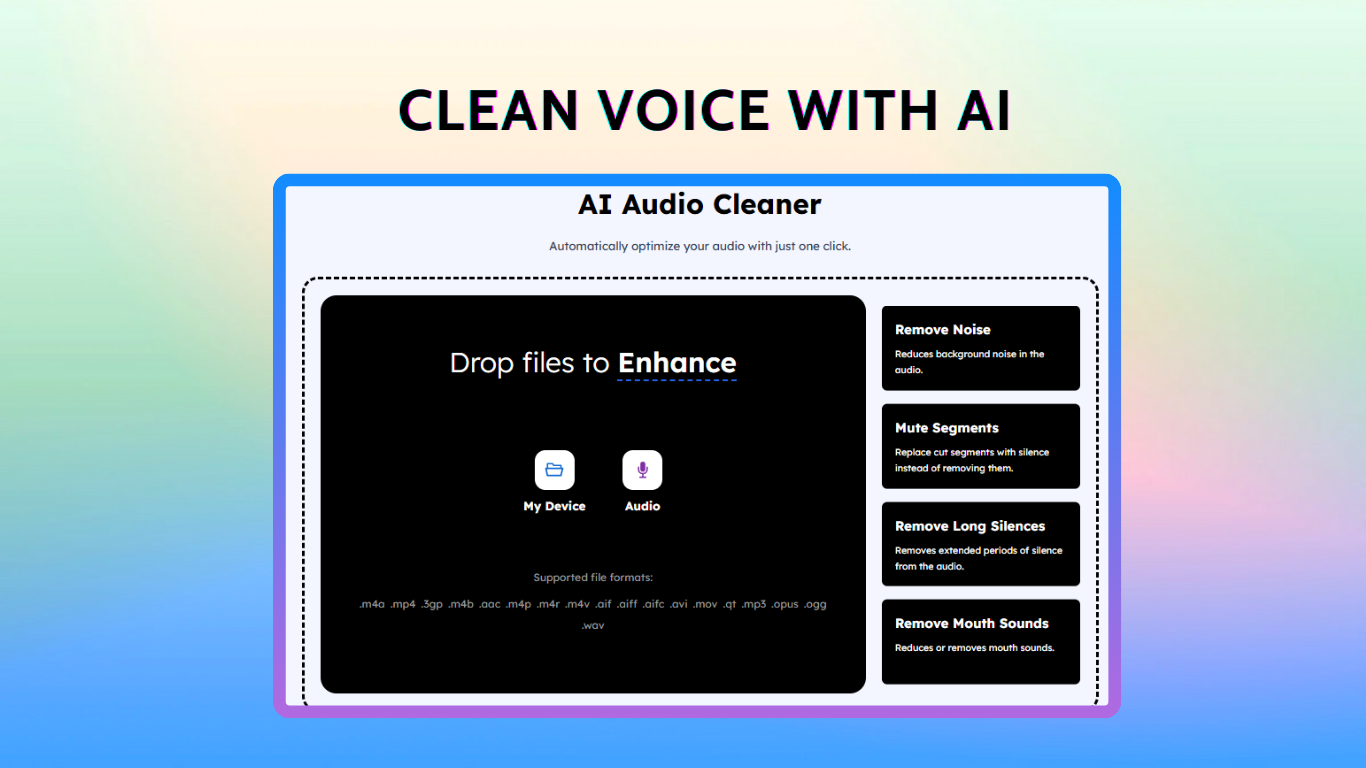
Free AI Audio Cleaner Online offers exactly that. With just a few clicks, it processes your audio, strips out the background music, and returns a clean voice track. There’s no installation, no subscription wall, and no tech learning curve. It’s ideal for anyone who just wants crisp, music-free sound without the hassle.
It’s not just perfectionists. Here are a few real-world cases where reliable AI audio cleaner saves the day:
Content Creators: That vlog voiceover you recorded in a café? Cut the music, keep the vibe.
Teachers & Online Educators: Remove background music from lecture audio to help students focus on the content.
Businesses & Marketers: Want to reuse a spokesperson’s message from a promo video? Now you can extract clean speech.
Podcasters: Re-recording entire episodes is a nightmare. Cleaning up with AI is a dream.
In each case, the goal is the same—clear communication. And music, however well-intended, often stands in the way.
Here’s how easy it is to clean up your audio using Free AI Audio Cleaner Online:
Want to get the best out of your AI audio cleaner? Keep these in mind:
In the end, your voice should always be front and center. If you’re explaining, educating, or storytelling, clarity isn’t optional—it’s essential. With the help of modern tools like Free AI Audio Cleaner Online, you don’t have to let background music get in the way.
So next time you find yourself stuck with a noisy audio file, remember: you don’t need to start over. You just need a smarter way to work. Remove background music from audio in seconds—and let your voice be heard.