Best Portable Dual Monitors for ThinkPad Users in 2025

  • News from our partners

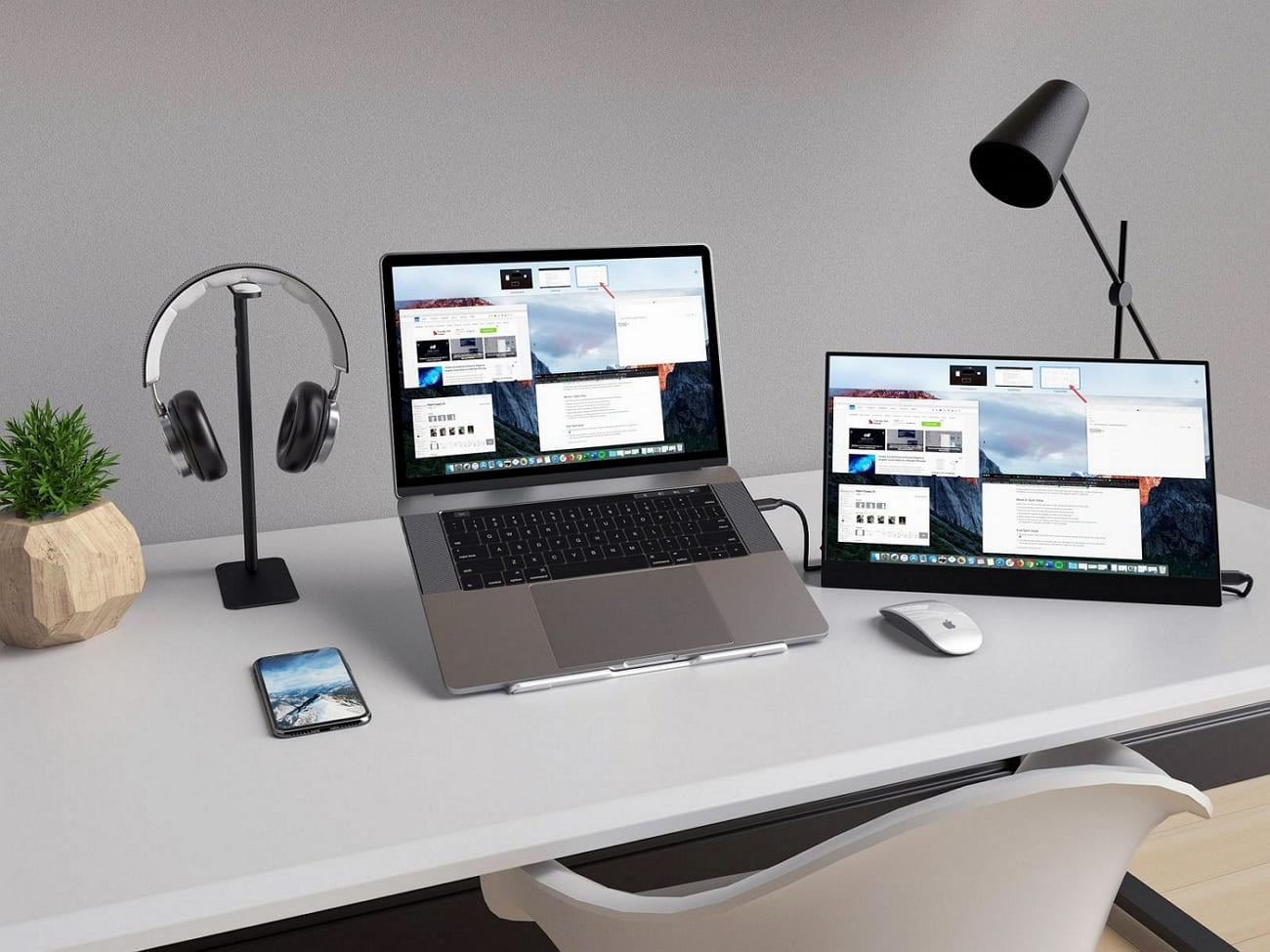
Remote meetings on one tab, research on another, and documents lost in the ocean of these tabs is a daily battle nowadays. In 2025, you can now overcome these problems with a portable dual monitor and improve your workflow. If you are looking for suitable screen extenders, keep reading, as this article has the best one for you, which is durable and modern in design.

Part 1. Why ThinkPad Users Need a Portable Dual Monitor Setup?

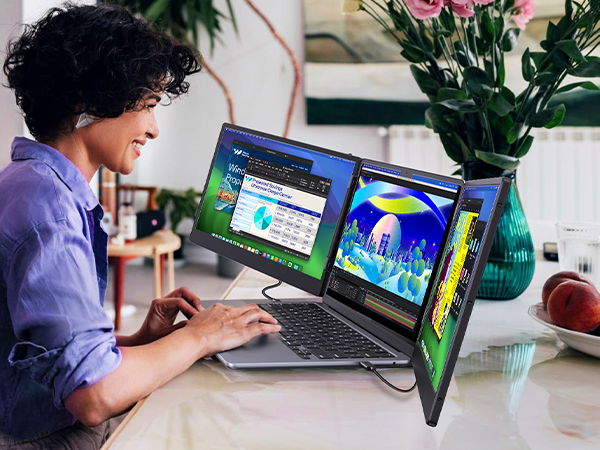
ThinkPad users are known for mobility, productivity, and multitasking. However, a single laptop screen can limit efficiency, especially during demanding work sessions. Listed below are some aspects showing why ThinkPad users need a portable dual monitor setup:


  1. Boosts Multitasking: ThinkPad users often handle complex workflows that require multiple applications at once. A second screen allows smoother transitions between documents, spreadsheets, and communication tools.
  2. Improves Workflow and Focus: Having dual monitor setup helps keep essential tools and references in plain view. Since, switching back and forth between tabs can disrupt concentration and waste time.
  3. Ideal for Remote and Hybrid Work: ThinkPad laptops are popular among remote workers and digital nomads. A portable monitor adds the flexibility to build a more complete workstation anywhere. 
  4. Enhances Creative and Technical Workflows: Designers, coders, and analysts benefit from having more visual space. Complex tasks such as editing, debugging, or layout design become easier with a broader view. 
  5. Lightweight and Easy to Carry: Portable monitors are designed to match ThinkPad’s lightweight, compact nature. Therefore, carrying one does not mean sacrificing mobility or convenience. 

Part 2. How to Pick the Best Portable Monitor Extender for ThinkPad

Choosing the right portable laptop screen extender can significantly enhance your experience. With so many models available, it is important to match features with your specific work or travel needs. The following list highlights what to look for before making a smart investment:

  1. Screen Size: A 13- to 15-inch extender is often ideal for ThinkPad. The extra space helps without becoming too bulky for travel and ensures a seamless and balanced viewing experience.
  2. High Resolution: Clarity matters, especially for professionals handling graphics, text, or video. A full HD or higher resolution portable dual monitor ensures sharpness and reduces eye strain. 
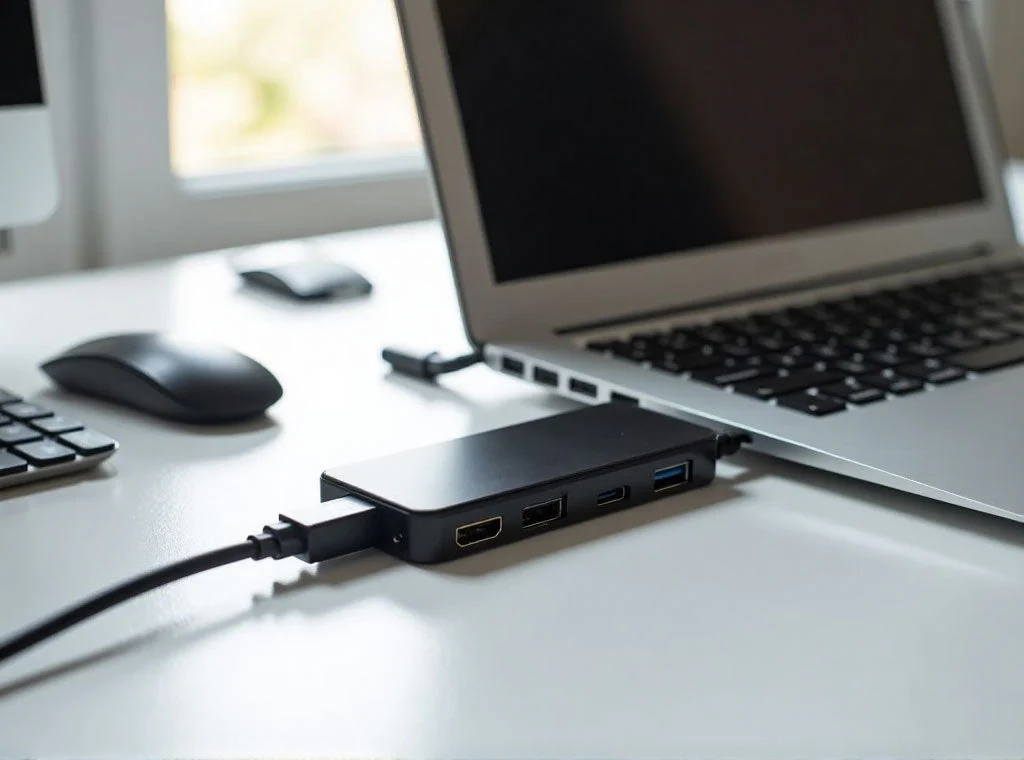
  3. Connectivity: USB-C or HDMI, ThinkPad supports various output options, so your extender should too. A USB-C portable monitor offers single-cable power and display, while HDMI adds broader compatibility. 
  4. Foldable or Adjustable: Compact folding designs save space in your backpack or briefcase. Moreover, adjustable stands or hinges improve usability across different environments.
  5. Lightweight: Weight becomes a prime concern for busy professionals carrying their gear across various locations. A portable monitor under three pounds remains manageable, supporting flexible mobility without compromising valuable display space. 

Part 3. Cevaton P5: The Ultimate Portable Dual Monitor for ThinkPad Users

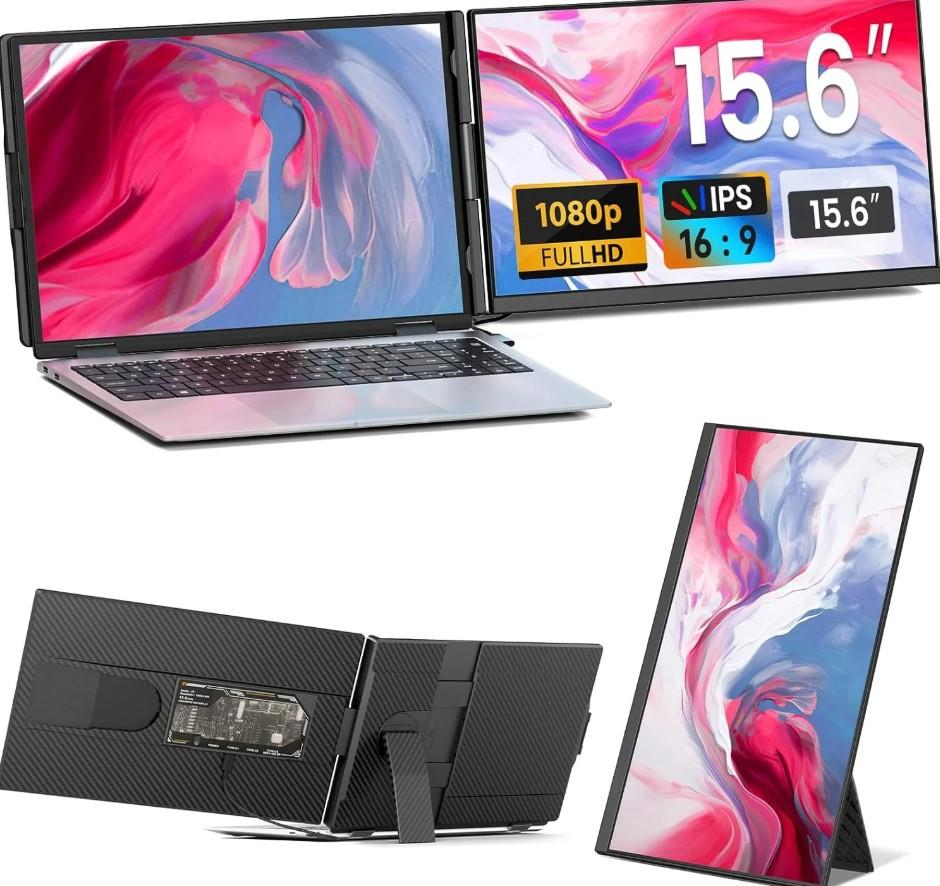
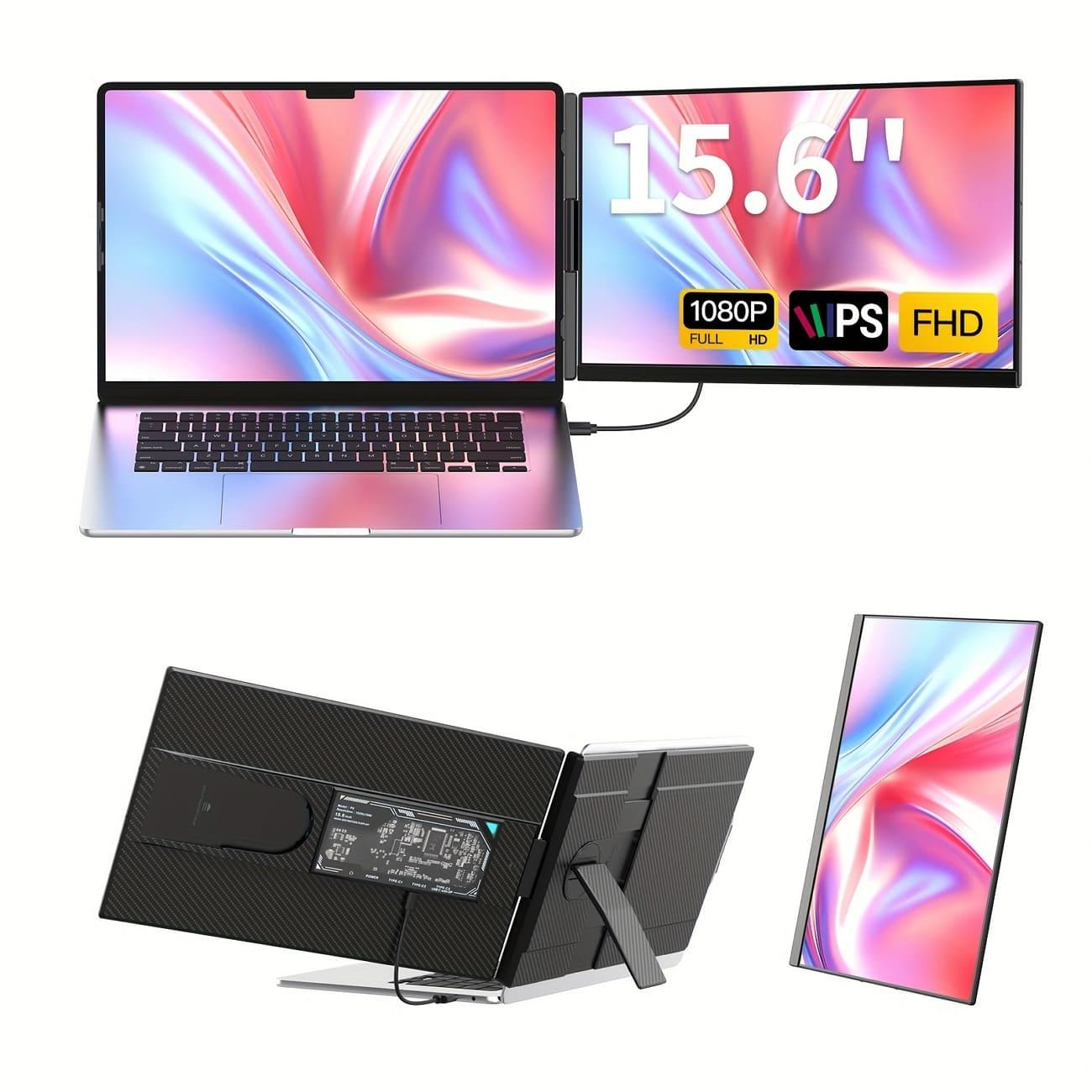
The Cevaton P5 portable dual monitor makes a good companion with ThinkPad laptops for those who need more screen space without sacrificing portability. With a 15.6-inch extra screen space, plug and play setup, and 4.8 lbs weight, it is a powerful tool that you can easily carry around. Plus, it has a spectacular display of 1920x1080p resolution, 300cd/m² brightness, and 85% NTSC color gamut.

To make it evident that Cevaton P5 is the smartest investment, here is a comparison with some of its competitors:

Features

Cevaton P5 Portable Dual Monitor

Dell Pro 14 Plus Portable Monitor

Mobile Pixels Duex Max DS

Screen Size

15.6 inches

14 inches

14.1 inches

Resolution

1920x1080 p

1920x1200 p

1920x1080 p

Connectivity

Type-C ×2, USB-C with DP (HDMI), AUX 3.5mm

2 USB-C ports

USB-C Port and Mini HDMI Port

Portability

4.96 lbs, 24.8mm thin

1.25 lbs

1.5 lbs, 025 inches slim

Price

$219.99

$369.99

$299.99

Part 4. How to Set Up a Portable Dual Monitor for ThinkPad

The Cevaton P5 portable laptop screen extender is very easy to set up with the following steps:

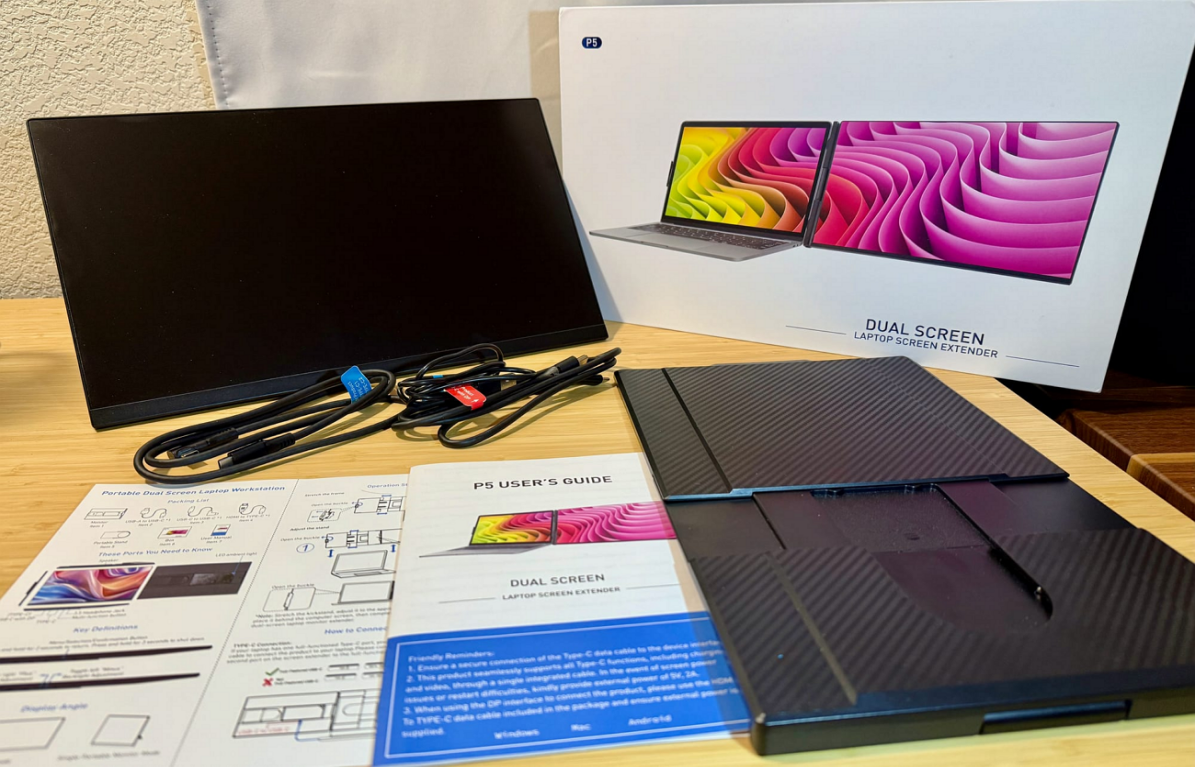
Step 1. Open the package of your new monitor and take out all the cables that were included. 


Step 2. Connect one end of the USB-C cable to your laptop and the other one to the Cevaton P5 screen.

Step 3. Finally, turn the new screen on and work with improved efficiency.

Hence, setting up the Cevaton P5 monitor is not a hassle at all. Although for even better efficiency it is suggested that you keep your screens at an eye level. Moreover, turning on the night light or Blue-Light filter helps you reduce the eye strain during long hours.

Part 5. Frequently Asked Questions

1. Can I rotate the screens for portrait or flipped use?

Yes, gadgets like Cevaton P5 support 180° screen rotation, so you can easily adjust it in portrait and landscape modes.

2. Is the Cevaton P5 compatible with all ThinkPad models?

Yes, the Cevaton P5 portable second screen for a laptop is highly compatible with all ThinkPad laptops with USB-C and HDMI outputs. 

3. Does the P5 affect the laptop’s battery life?

Yes, using the Cevaton P5 screen draws some power from your ThinkPad, although it is designed to be power efficient, taking only minimal battery power.

4. Can I adjust the brightness or color settings of the extra screen?

Yes, you can easily adjust the brightness and color settings of the screen as per your requirement with its built-in control buttons.

Part 6. Conclusion

In a nutshell, if you are a ThinkPad user and want to work smarter with an improved workflow, the Cevaton P5 portable dual monitor is the perfect device for you. It is lightweight yet durable, so you can easily take it anywhere with you. Hence, if you are ready to expand your workspace, get the Cevaton P5 screen now, and power up your ThinkPad for daily productivity.

author

Chris Bates

"All content within the News from our Partners section is provided by an outside company and may not reflect the views of Fideri News Network. Interested in placing an article on our network? Reach out to [email protected] for more information and opportunities."

FROM OUR PARTNERS


STEWARTVILLE

LATEST NEWS

JERSEY SHORE WEEKEND

Events

December

S M T W T F S
30 1 2 3 4 5 6
7 8 9 10 11 12 13
14 15 16 17 18 19 20
21 22 23 24 25 26 27
28 29 30 31 1 2 3

To Submit an Event Sign in first

Today's Events

No calendar events have been scheduled for today.