Deleting an important WhatsApp message unknowingly can be a devastating experience. Whether it’s cherished family photos, an interview invitation, or assignment details, losing precious data can feel like losing a piece of yourself.
Luckily, advancements in technology have made it possible to recover deleted WhatsApp chats. Gbyte Recovery is one of the standout tools for recovering data from devices. In this review, we take a closer look at Gbyte, analyzing its features and overall value to help figure out if it’s a good fit for your needs. We’ll also teach you how to recover data from WhatsApp using the tool.
Gbyte is a data recovery tool that lets users recover deleted data from iOS-running devices. Featuring advanced data recovery technology, the software boasts a high success rate regardless of the scenario. Unlike many tools, Gbyte can recover lost or deleted data without a USB cable. Its iCloud scanning capability allows it to retrieve WhatsApp messages from damaged devices. Additionally, the software is known for its user-friendly interface and high security level.
Gybte is packed with a range of high-tech features to effectively retrieve data from Apple devices.
Gbyte can restore data from devices without a backup. Its features are engineered to restore WhatsApp chats without relying on your device’s backup.
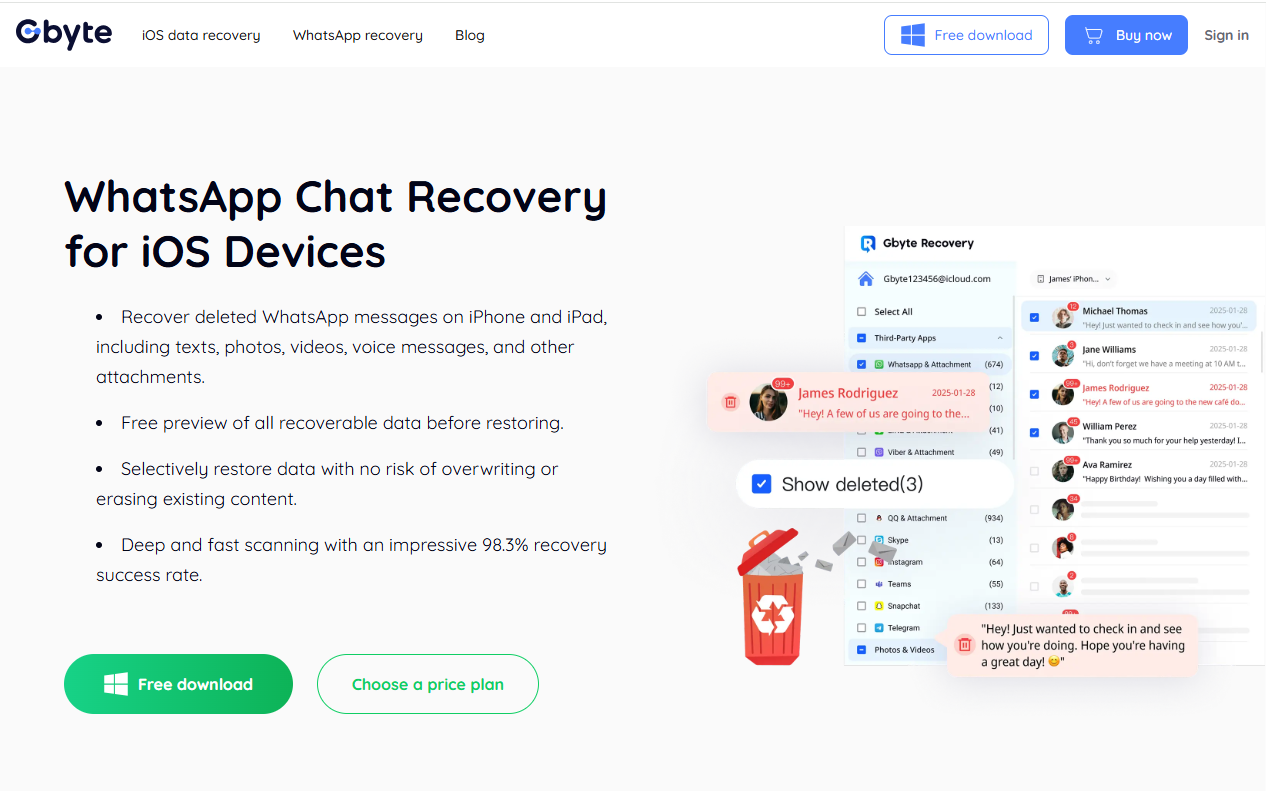
The software thoroughly scans your iOS device to find what other tools can’t. Its advanced deep scan technology enables it to unearth what you never thought possible. Furthermore, it allows you to preview any piece of data before retrieving it, allowing you to recover only what you need.
Gbyte is designed to recover data in all possible scenarios, including accidental deletion, device damage, factory resets, system crashes, and stolen devices. Therefore, the state of your device and the tools will effectively and effortlessly restore your WhatsApp chats.
The tool recovers photos and videos in their original quality, ensuring precious photos and videos look as close to reality as possible. This also prevents the need for repairs and helps to maintain the overall quality of the data over time.
Gbyte takes the privacy of your data seriously. The tool uses the latest encryption technology to protect your WhatsApp chats from unauthorized third parties. The data remains private at all times and is only accessible to you.
Gbyte Recovery has many advantages. However, to give a fair perspective of the software, we must also look at its downsides.
Pros
Cons
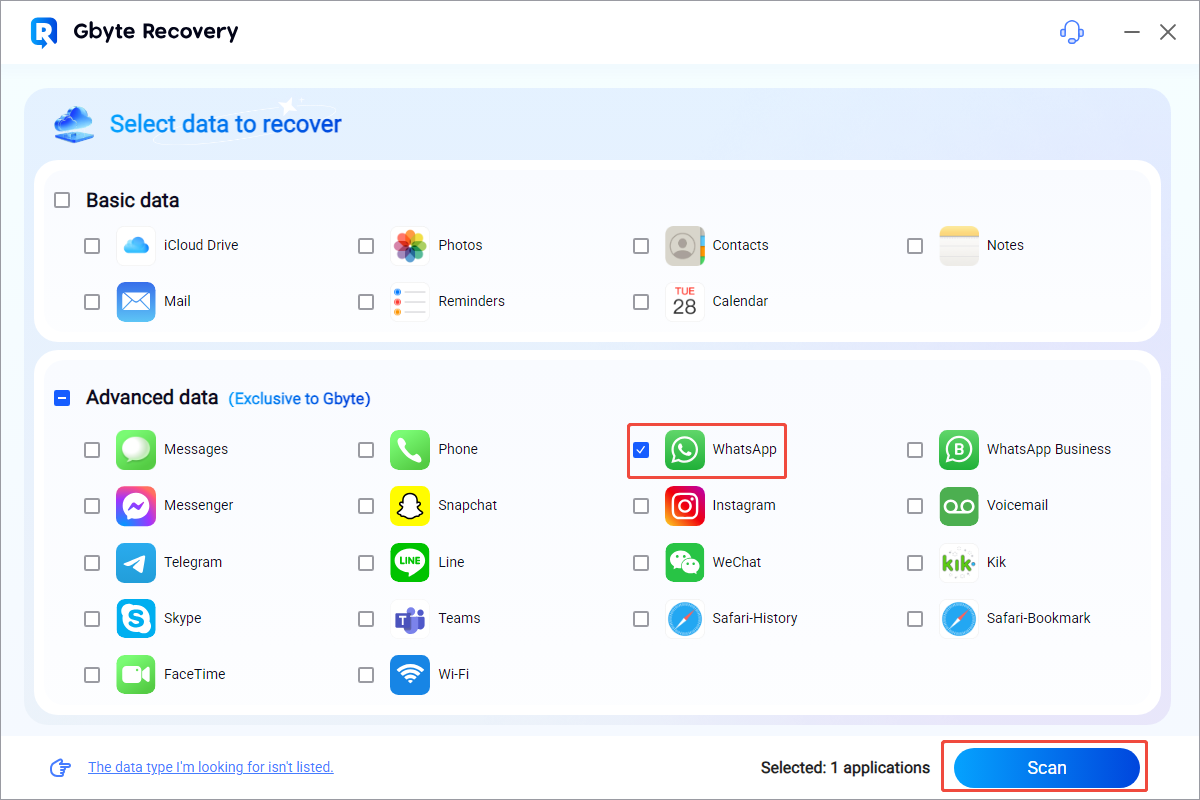
Gbyte Recovery is one of the easiest apps to install and use. You don’t need any technical skills to get this tool up and running. Learn how to recover data from WhatsApp using Gbyte by following these steps:
3. When prompted, use your Apple ID to log into your iCloud account
4. Wait a few minutes for the software to perform a deep scan on your internal storage. Larger amounts of data may require more time to scan
5. Preview the data and select the chats, photos, or videos you want to restore
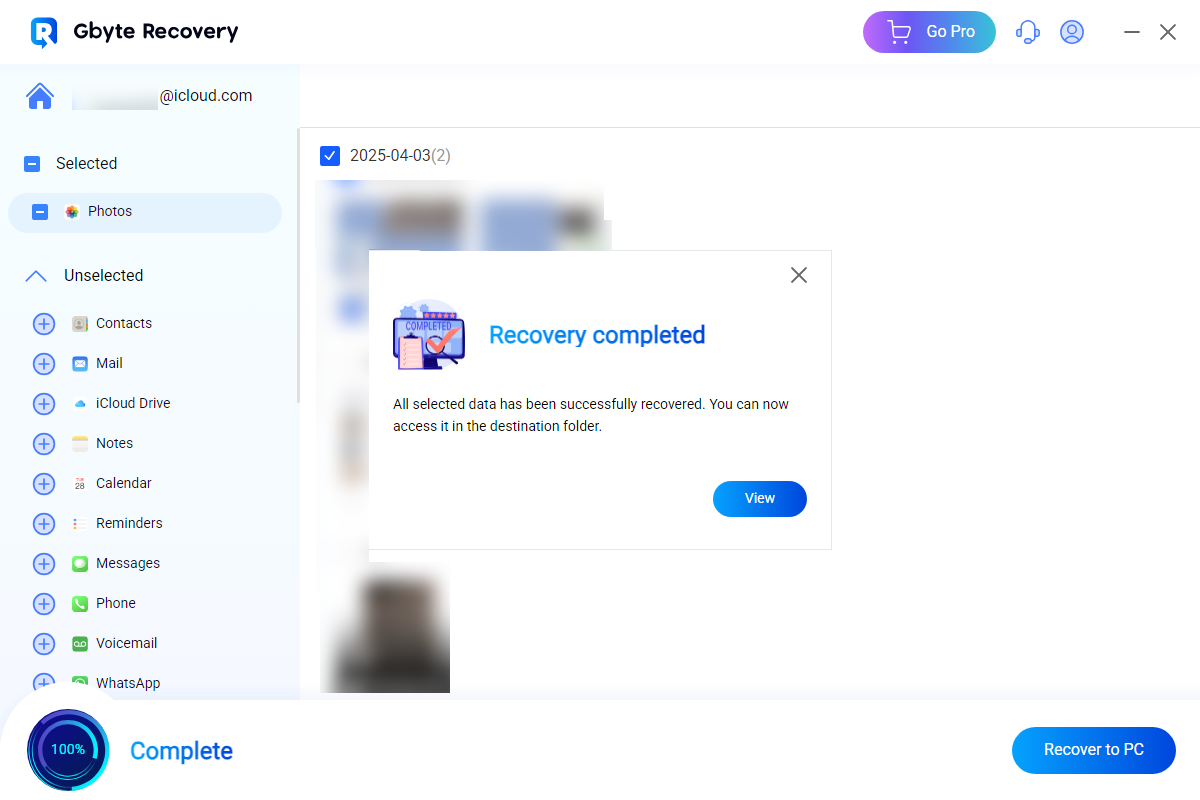
6. Click Recover to PC to proceed.
7. The software creates a folder on your computer and saves the recovered data.
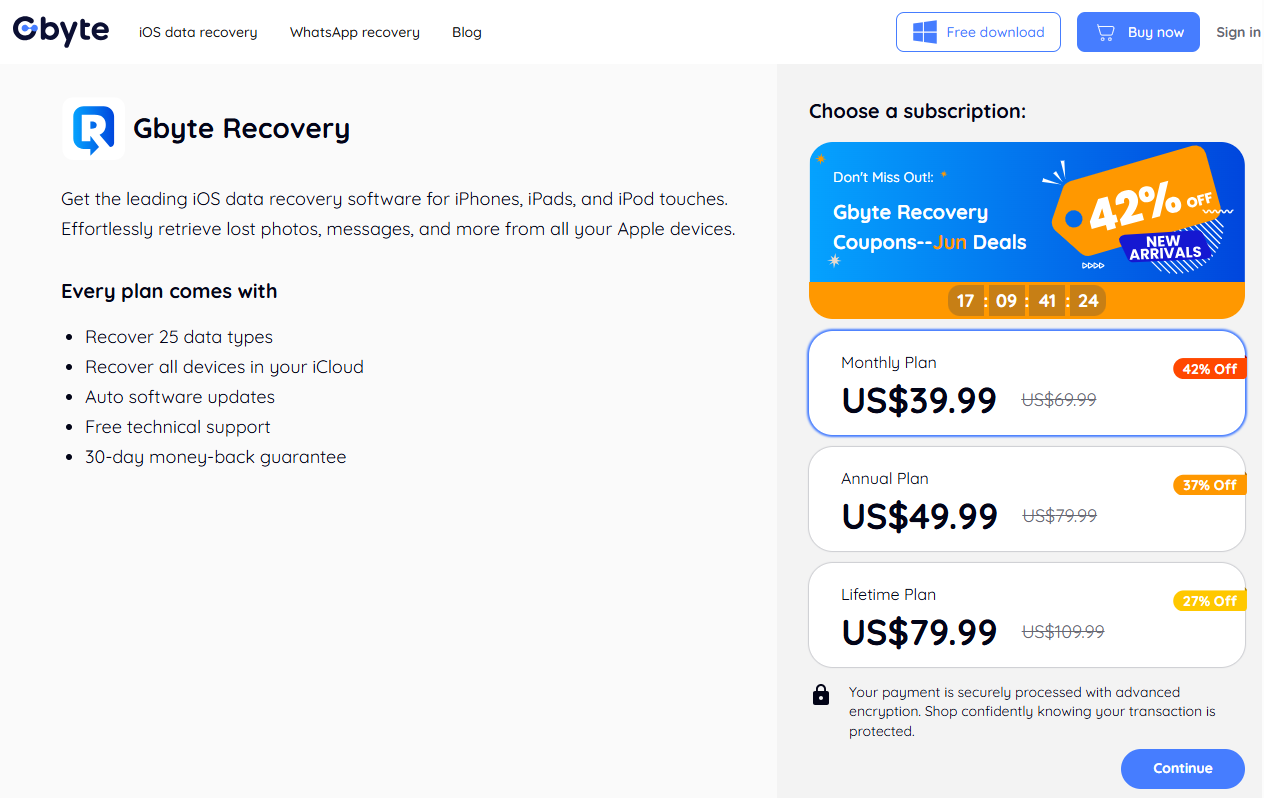
Gbyte Recovery software has a tiered subscription plan. The monthly plan costs $59.99 and is ideal for urgent data recovery or single use. With this plan, users get access to all the features and customer support. The annual plan offers the best value and is available for $69.99. It’s cheaper than the monthly plan and is ideal for regular recovery. The lifetime plan requires users to make a one-time payment of $99.99 for permanent access to the software. This plan is best suited for frequent users.
Gbyte Recovery uses cutting-edge data recovery technology, allowing it to recover several times more data than other tools. Its high scanning efficiency makes it 2 to 3 times faster than regular software, saving time. The software also provides comprehensive recovery, uncovering what you never thought would be found. It searches through your device to locate long-lost WhatsApp chats and media. Focusing on Apple devices alone has enabled the provider to develop a more effective approach to data recovery as opposed to regular tools.
If you’re looking for a reliable and efficient tool to recover WhatsApp messages, Gbyte Recovery is without a doubt the best option. Its outstanding feature is that it doesn’t require a USB, allowing you to recover WhatsApp chats from damaged or lost devices. The ability to preview chats and media before retrieving allows you to only recover what you need. Moreover, its excellent performance in data recovery makes it a great choice for many users. While it’s dedicated to Apple devices only, it’s a worthy investment.