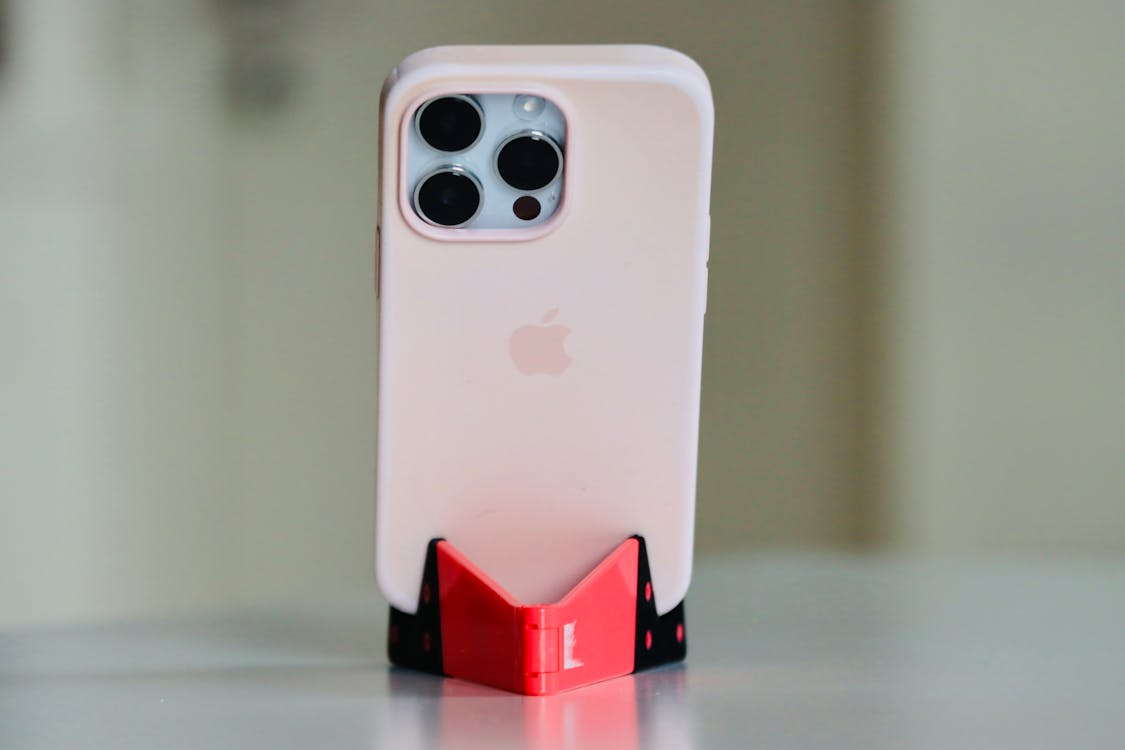
When the new iOS 26 launches, will older models like iPhone 16 remain compatible? Protect your device with a durable iPhone case during the upgrade. Apple is rewriting its software playbook. At WWDC 2025, the tech giant will abandon its traditional version-numbering system, replacing iOS 19 with iOS 26—a bold move signaling a unified ecosystem strategy. But what’s behind this shift, and how will it reshape your Apple experience? Let’s dive in.
Why Did iOS 19 Suddenly Become iOS 26?
1. A Complete Overhaul of Naming Rules
- Year-Based Branding: Starting in 2025, all Apple OS versions—iOS, iPadOS, macOS, watchOS, tvOS, and visionOS—will adopt a year-based naming convention (e.g., iOS 26 for 2026). This eliminates confusion caused by mismatched version numbers (e.g., iOS 18 vs. macOS 15) and aligns with industries like automotive, where models are named for future years (e.g., a "2026 Toyota" released in 2025).
- Hardware-Software Disconnect: Critics note potential confusion, such as the iPhone 17 launching with iOS 26, creating a numerical gap between device and OS names.
2. Unified Ecosystem Strategy
- Project "Solarium": Apple’s internal design overhaul aims to harmonize interfaces across devices. Inspired by visionOS (powering Vision Pro), iOS 26 will feature rounded icons, translucent menus, and cross-platform consistency, streamlining interactions between iPhones, Macs, and Vision Pro.
- Developer & User Benefits: Unified naming simplifies version tracking. For example, "iOS 26" clearly indicates a 2026 release, easing compatibility checks for apps and accessories.
Is the New Naming System a Win or a Loss?
Advantages
- Simplified User Experience: No more memorizing arbitrary numbers (e.g., iOS 18 vs. watchOS 12). Year-based names are intuitive and future-proof.
- Cross-Platform Clarity: All OS versions now share the same numeric suffix (e.g., macOS 26, iPadOS 26), reinforcing Apple’s ecosystem synergy.
Controversies
- Consumer Confusion: Pairing "iPhone 17" with "iOS 26" risks perception gaps, akin to Samsung’s abrupt jump from Galaxy S10 to S20 in 2020.
- Historical Reference Challenges: Developers must update documentation to reflect the new system, potentially complicating legacy support.
iOS 26 (Formerly iOS 19): Top 5 Anticipated Features
1. AI-Powered Battery Management
- Smart Optimization: Machine learning analyzes usage patterns to reduce background app drain. A lock-screen charging timer predicts full charge times, addressing iPhone 17 Air’s rumored battery limitations.
- Battery Health Coaching: AI evaluates charging habits and suggests personalized tips to extend lifespan.
2. VisionOS-Inspired Interface
- Redesigned UI: Semi-transparent menus, dynamic shadows, and floating tab bars mirror Vision Pro’s aesthetic. Core apps like Camera and Messages get streamlined controls and gesture-based navigation.
3. Desktop Mode & Multi-Screen Collaboration
- USB-C Display Support: Connect iPhones (iPhone 15 or later) to external monitors for PC-like productivity. iPadOS 26 may add a Mac-style menu bar and enhanced Stage Manager for multitasking.
- Accessory Tip: When using desktop mode, pair your iPhone 16 Pro Max with a stand-ready iPhone 16 Pro max case for stable positioning.
4. Apple Intelligence 2.0
- Siri’s Quantum Leap: Context-aware Siri can parse on-screen content (e.g., creating calendar events from emails) and integrate with third-party apps via Gemini AI collaboration.
- Health Coach Tool: Aggregates fitness data from Apple devices to generate tailored wellness plans.
5. Privacy & Security Upgrades
- APNs Token Authentication: New team keys and topic restrictions bolster push notification security, thwarting spam and phishing.
Hardware & Ecosystem Synergy: Is Your iPhone Ready?
- Accessory Recommendations:
- High-Speed Chargers: Optimize iOS 26’s battery features with 30W+ USB-C PD adapters.
- Thermal Cooling Cases: Essential for iPhone 16 Pro Max to prevent overheating. Invest in an iPhone 16 Pro max case with advanced heat-dissipation tech during intensive tasks.
- Developer Tips:
- Test apps on Xcode 16.3 (mandatory for App Store submissions post-April 2025) and leverage SDKs for Apple Intelligence integration.
Conclusion: Beyond a Name Change—A Unified Apple Universe
iOS 26 isn’t just a rebrand—it’s Apple’s manifesto for a cohesive, AI-driven ecosystem. From Vision Pro-inspired interfaces to cross-device intelligence, WWDC 2025 will redefine how we interact with technology. As the line between iPhone, Mac, and Vision Pro blurs, Apple’s "unified universe" is closer than ever.
iOS Version Feature Comparison (2024–2026)
Version | Key Features
| Release Year |
iOS 18 | Customizable Lock Screen, Dynamic Island
| 2024 |
iOS 26 | Year-Based Naming, AI Battery Optimization
| 2026* |
macOS 15 | Enhanced Continuity, Safari Profiles
| 2024 |
macOS 26 | Solarium Design, Cross-Platform Sync | 2026* |
*Officially released in 2025 but labeled for the 2026 cycle.
**For iPhone 16 Pro Max users: Use a compatible iPhone 16 Pro max case to enhance thermal management.