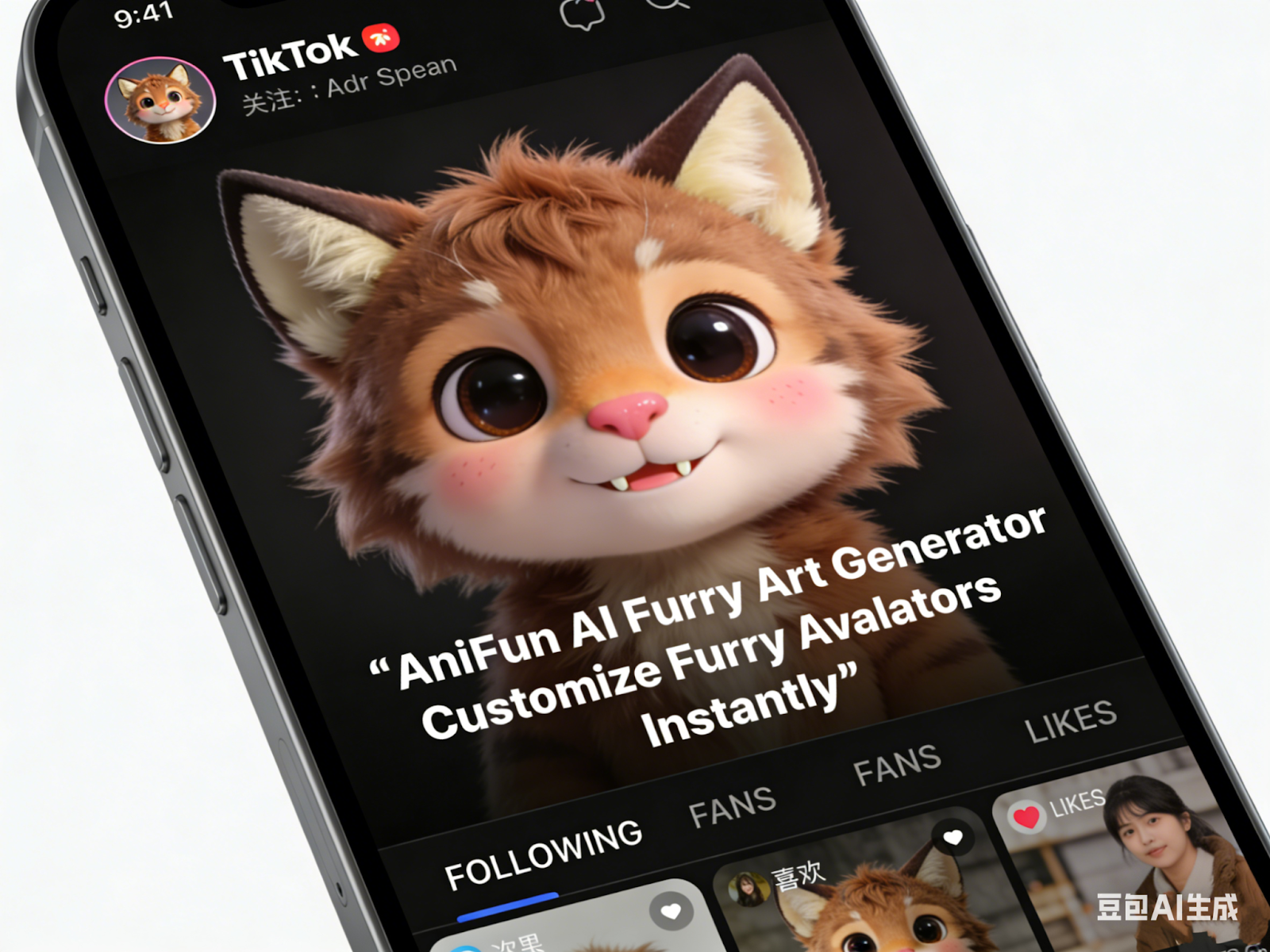
Customize furry avatars by AI Furry Generator
In the vibrant and diverse world of the furry fandom, visual identity is everything. Unlike other online communities where a simple photo might suffice, the furry community thrives on the concept of the "fursona"—a deeply personal, anthropomorphic animal character that represents the user's alter ego, personality, or creative spirit. However, bringing these intricate designs to life has traditionally been a significant hurdle. Not everyone has the artistic training to render complex fur textures, digitigrade anatomy, or expressive animal muzzles, and commissioning professional artists for every single idea can be financially overwhelming. This is where the AniFun AI Furry Art Generator emerges as a game-changing tool. By harnessing the power of specialized artificial intelligence, the AniFun AI Furry Art Generator empowers enthusiasts to bypass technical limitations and instantly visualize their unique furry concepts. Whether you are a long-time fur looking to refresh your look or a newcomer trying to design your first character, this technology offers a seamless bridge between imagination and high-quality digital art.
Creating furry art is distinct from general character design; it requires a deep understanding of animal anatomy blended with human expressions. AniFun is tailored to meet these specific artistic demands, offering advantages that generalist AI tools simply cannot match.
One of the biggest challenges in drawing furry art is getting the anatomy right. Balancing a human torso with animalistic features like hock joints (digitigrade legs), tails that connect naturally to the spine, and muzzles that don't look flat is incredibly difficult for beginners. AniFun excels here because it is trained on datasets specifically focused on anthropomorphic art. It understands how light interacts with different textures—whether it’s the soft, matte finish of a fox’s fur, the sleek, reflective sheen of a dragon’s scales, or the rough, leathery skin of a reptile. When you use AniFun, you aren't just getting a "person with animal ears"; you are getting a structurally sound creature design where the fur flows naturally and the biological traits are rendered with professional artistic fidelity.
The furry fandom is famous for its creativity, often resulting in "hybrids" or entirely new species (like Dutch Angel Dragons or Sergals) that don't exist in nature. visualizing a cross between a snow leopard and a shark, for example, is a daunting task for a human artist to conceptualize from scratch. AniFun transforms this complex challenge into a simple prompting exercise. You can input "snow leopard shark hybrid, fluffy ears, shark tail, dorsal fin, spots and gills," and the generator will synthesize these disparate elements into a cohesive image. This allows for rapid iteration. You can generate twenty variations of this hybrid in the time it would take to sketch one, experimenting with which traits are dominant. This speed is invaluable for finalizing the "look" of a complex fursona before committing to a final reference sheet.
In the furry art world, style is just as important as the subject matter. Some prefer the "Kemono" style (popular in Asian furry art, characterized by large eyes and small muzzles), while others prefer a gritty, realistic "Western" comic book style, or a soft "Painterly" aesthetic. Achieving these specific looks usually requires hiring artists who specialize in them. AniFun democratizes this access. By using style-specific prompts or LoRA (Low-Rank Adaptation) settings, users can generate their fursona in any of these prestigious styles instantly. It allows a user to see their character rendered as if it were a 3D movie model, a 2D anime screenshot, or a traditional oil painting, providing a level of artistic versatility that was previously inaccessible to the average fan.
The utility of the AniFun AI Furry Art Generator extends far beyond making a simple profile picture. It is a robust tool that can support various aspects of the furry hobby, from roleplay visualization to fursuit design planning. Here are specific scenarios where this tool shines.
Scenarios for using AI Furry Art Generator
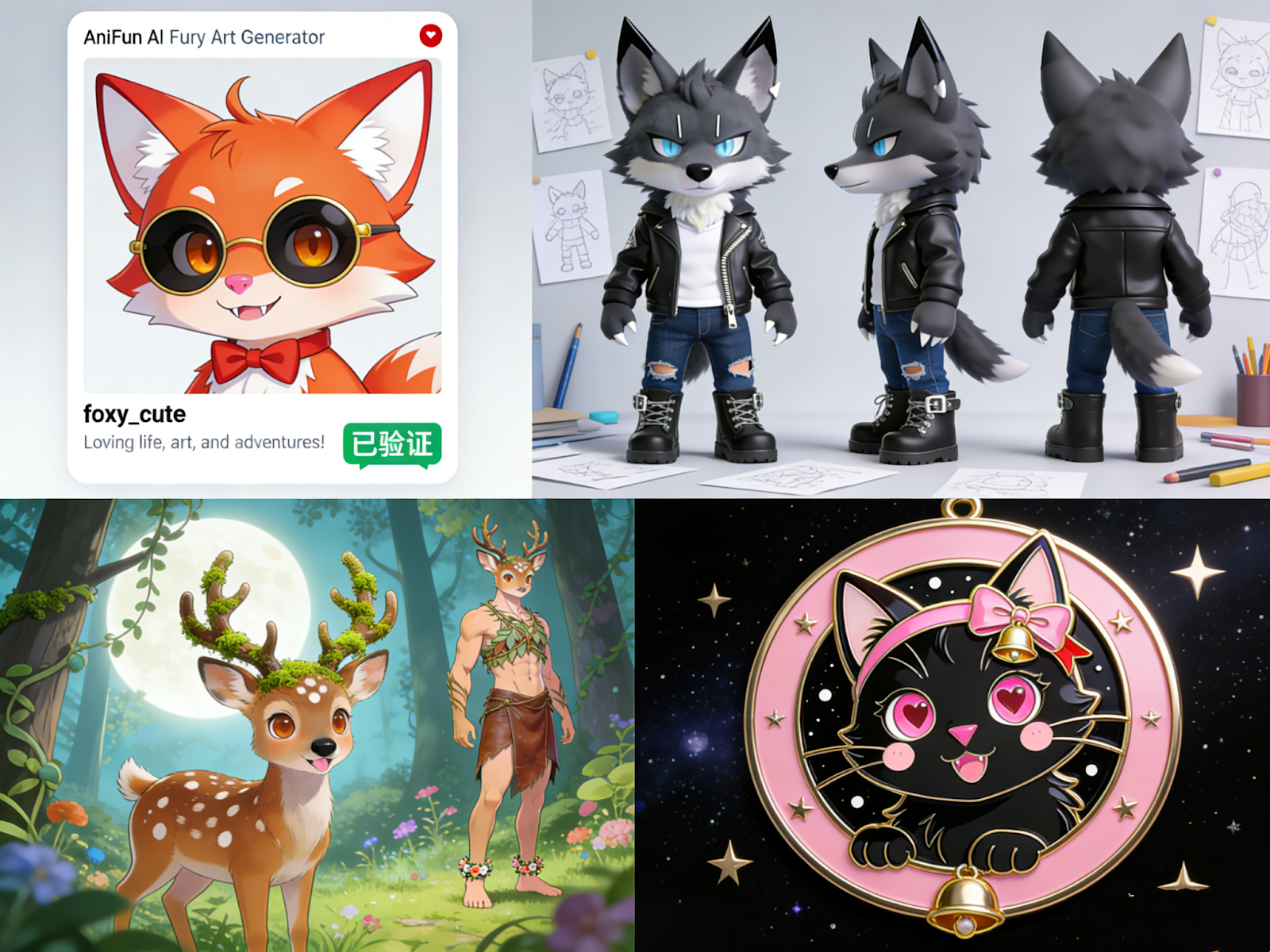
In the furry community, your avatar on Telegram, Discord, or Twitter is your face. A high-quality "headshot" or "bust" icon is essential for recognition.
Before a fursuit maker can build your suit, they need a "Reference Sheet" (Ref Sheet) showing the character's markings from the front, back, and side.
Many furries adopt "Open Species" (species created by other artists that are free to use, like Protogens or Manokits) but struggle to draw the specific mechanical or biological rules they require.
Attending a furry convention (FurCon) usually involves wearing a laminated badge featuring your character art. These badges often have a specific "pop" style—thick lines, vibrant colors, and dynamic poses.
"Your Character Here" or YCH is a popular format where an artist draws a specific scenario (e.g., drinking coffee, sitting on a beach) and fits a character into it. With AI, you can create your own infinite YCH scenarios.
Many furries have two versions of their character: an "Anthro" form (human-like, two legs) and a "Feral" form (animal-like, four legs).
To achieve these specific furry art results, AniFun employs a suite of specialized features. These are not just general image generation tools; they are fine-tuned for the nuances of the furry aesthetic.
The core strength of AniFun lies in its texture synthesis. In generic AI models, "fur" often looks like a blurry mess or simple noise. AniFun's model understands the directionality of fur—how it clumps together on the chest, how it thins out on the ears, and how it flows along the tail. Similarly, for scalies (reptilian furries), it renders individual scales with specular highlights, giving them a tangible, 3D feel. This attention to textural detail is what elevates the output from "computer-generated image" to "believable character art."
Furry art relies heavily on specific tags. AniFun supports a robust tagging system similar to those found on furry art image boards (like e621 or FurAffinity). You can use specific tags like "tufted ears," "prehensile tail," "paw pads," "digitigrade," or "plantigrade." This granular control means you don't have to write long, confusing sentences. You can simply stack these tags to build your character like a Lego set. If you want a character with wings but no tail, you can explicitly tag "wings" and negative-prompt "tail," giving you precise control over the biological blueprint of your avatar.
A common issue in furry art is specific markings (e.g., a heart shape on the chest or a stripe on the left arm only). AniFun's Inpainting feature allows you to highlight a specific area of a generated image and re-roll just that part. If the generator gave your character a plain chest, you can mask that area and prompt "white heart-shaped fur marking." The AI will blend this new marking seamlessly into the existing fur texture. This is also perfect for adding accessories like collars, piercings, or glasses after the main image is generated, ensuring they sit correctly on the fur without looking "pasted on."
For those who like to draw but lack rendering skills, the Image-to-Image feature is a lifesaver. You can upload a rough, messy sketch of your fursona—just stick figures and basic shapes—and describe it to AniFun. The AI will use your sketch as the composition guide (keeping the pose and proportions you drew) but will "paint over" it with professional-quality fur, lighting, and color. This feature allows you to maintain full creative control over the pose and composition while letting the AI handle the difficult rendering work, effectively acting as a digital inker and colorist for your sketches.
The AniFun AI Furry Art Generator is more than just a software utility; it is a creative companion for the furry community. By solving the complex artistic challenges of anthropomorphic anatomy, texture rendering, and species hybridization, it opens the floodgates for unlimited creative expression. Whether you are designing a badge for your next convention, visualizing a complex hybrid species, or simply exploring different facets of your fursona's identity, AniFun provides the tools to make your vision a reality. It empowers every fan to become an art director, ensuring that the rich, imaginative world of furry characters is accessible, visible, and beautifully rendered for everyone.