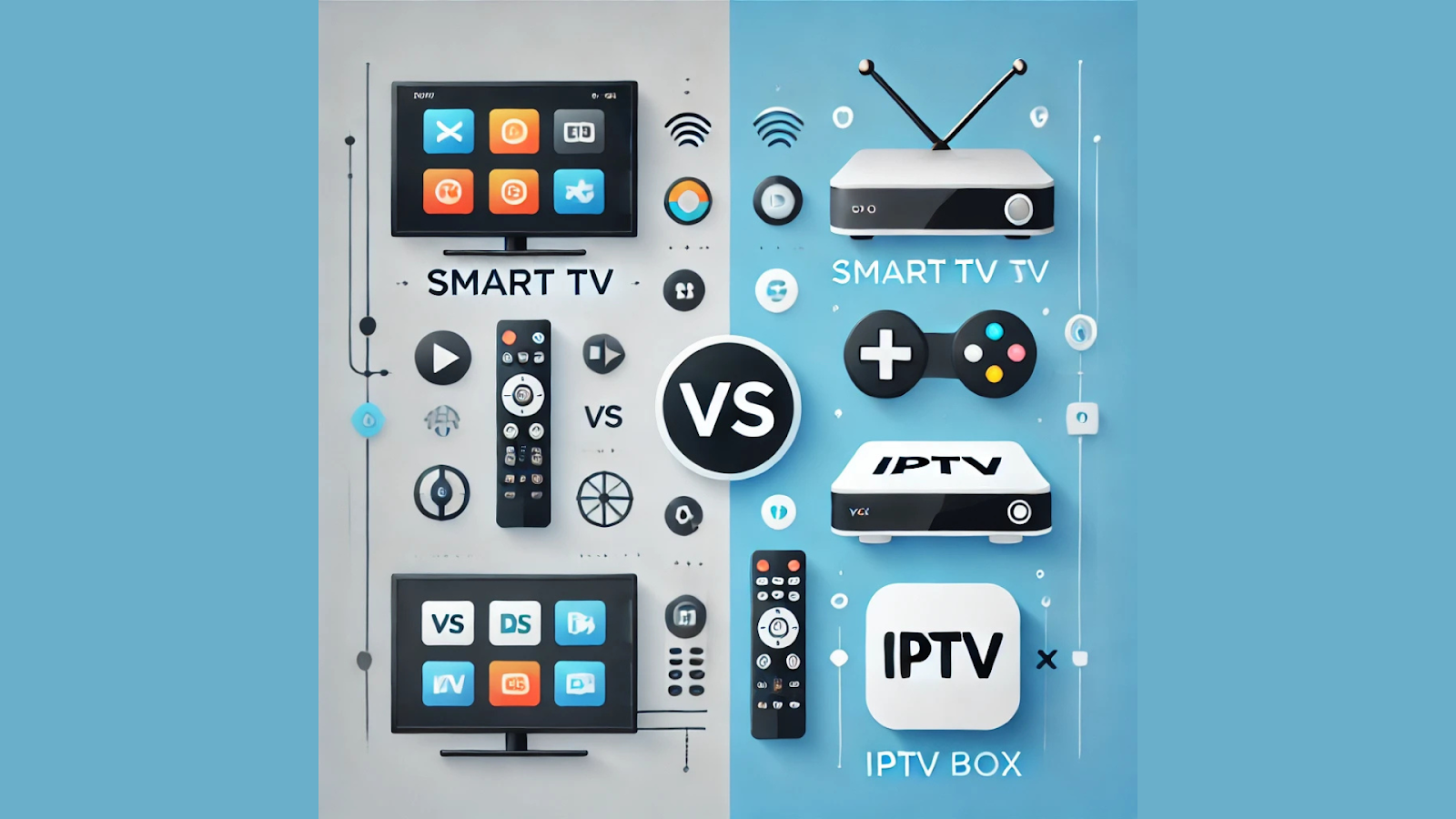
The global shift toward IPTV has transformed how people consume content. Whether you're watching live TV, catching up on your favorite shows, or exploring regional channels, IPTV has become the go-to solution. But the question remains: should you stream via a Smart TV app or invest in a dedicated IPTV box? The answer depends on your usage, content needs, and desired performance. For example, those considering an Indian IPTV Subscription can enjoy seamless viewing on both platforms—but each has pros and cons.
This guide compares Smart TVs and IPTV boxes across performance, setup, features, and value—helping you make the best choice for your home streaming setup.
A Smart TV is a television with built-in internet connectivity and pre-installed streaming apps. Users can download IPTV apps directly from the app store (e.g., Smart IPTV, TiviMate, Flix IPTV).
Smart TVs are ideal for users who prefer convenience and want to avoid extra devices. However, not all Smart TVs offer the same performance, especially on older models.
An IPTV box (also called a set-top box or Android TV box) is a dedicated device designed to run IPTV apps. These boxes connect to your TV via HDMI and run on Android or Linux-based operating systems.
These boxes offer higher performance, better hardware optimization, and customizable settings compared to Smart TVs.
IPTV Boxes outperform Smart TVs in processing power, app support, and stream stability. While new Smart TVs can handle basic streaming well, they tend to lag during channel switching, 4K decoding, or running third-party apps.
This makes IPTV boxes the better choice for users who consume a lot of content or stream on higher resolutions like 4K.
A Smart TV’s interface is often optimized for casual use. However, the navigation and app experience may vary based on brand (e.g., Samsung Tizen vs. LG WebOS vs. Android TV).
In contrast, IPTV boxes offer:
These features lead to a smoother, more customizable streaming experience.
Accessing language-specific content is critical for many IPTV users. For instance, Telugu-speaking viewers need seamless access to channels like Gemini TV, Maa TV, and ETV Telugu. Dedicated IPTV apps on Android boxes typically perform better in these cases.
Providers like IPTV Telugu deliver curated regional content optimized for Android and MAG devices, offering:
Smart TVs may not support such customizations, especially if they restrict app installation outside the official store.
IPTV boxes generally offer better upgrade potential. Users can:
Smart TVs become outdated faster. Most manufacturers stop pushing firmware updates after 3–5 years, reducing performance and app compatibility.
Smart TVs win in simplicity—no extra cables or setup required. Users only need to:
IPTV boxes require a bit more setup:
However, once configured, boxes offer far more control and customization.
For frequent travelers or shared housing situations, IPTV boxes offer portability. Users can carry the device in a backpack, plug it into any TV, and resume their subscriptions.
Smart TVs, on the other hand, are fixed in place and difficult to move. Boxes like the Fire Stick or Mi Stick are especially useful in such scenarios.
Investing in a mid-range IPTV box is a cost-effective way to improve streaming, especially if you already own a basic TV.
Choose Smart TV if:
Choose IPTV Box if:
If your priority is ease of use and minimal setup, Smart TVs are sufficient. But if you want a more powerful, customizable, and smoother streaming experience, an IPTV box is the superior option. They’re better optimized for content-heavy viewing, especially for platforms like Indian IPTV or regional services such as Telugu IPTV.
For best results, combine a modern Android TV box with a trusted IPTV subscription. You’ll enjoy top-tier content access, fast app switching, and full support for features like VOD, EPG, and multi-language support.